01 / MOTION
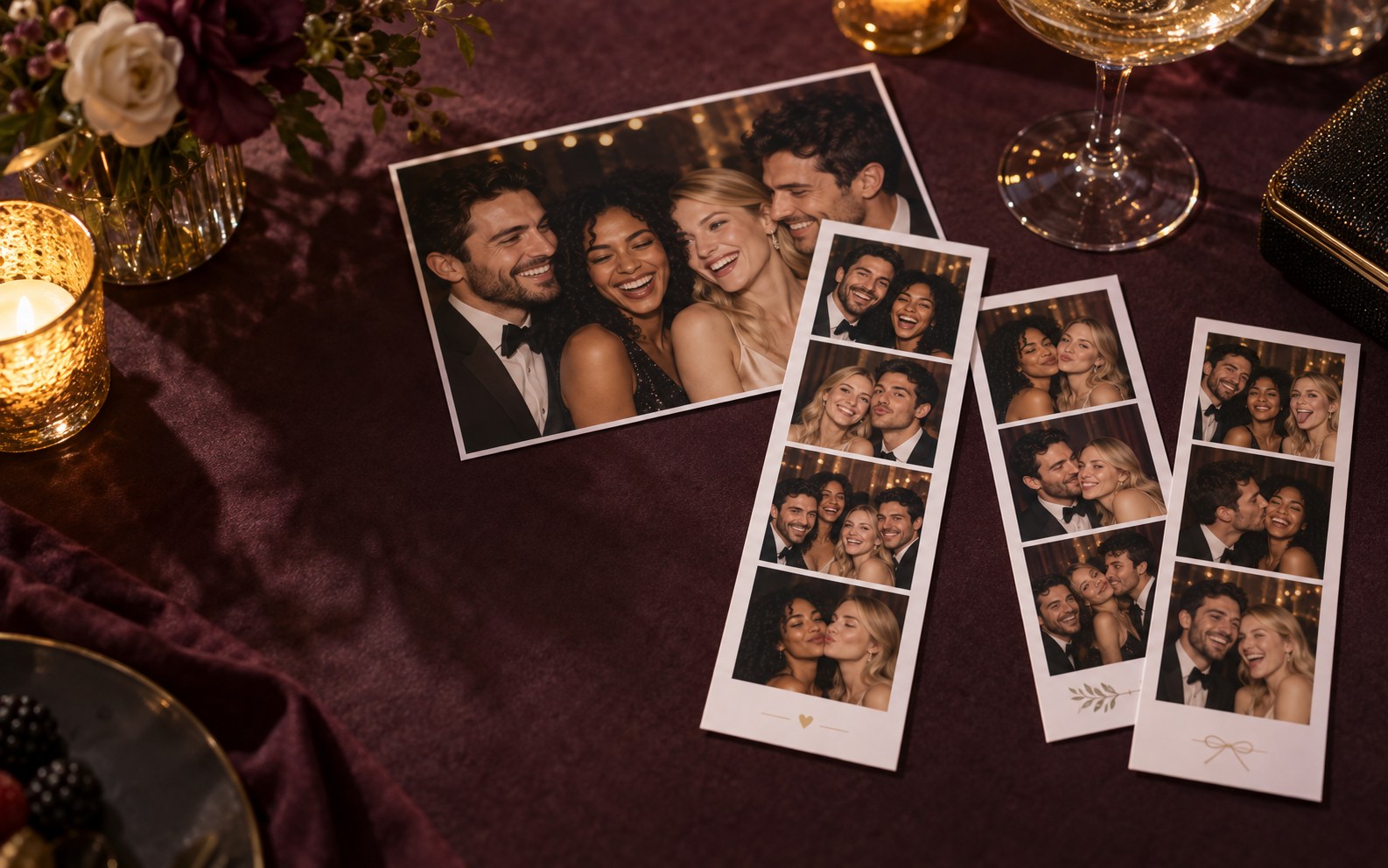
GIFs that keep the party moving.
A burst of expressions becomes a short, shareable loop.
Explore GIF mode
NEO BOOTH · PHOTO BOOTH SOFTWARE FOR WINDOWS
Make guests the main event. Design the look, run the capture, and send them home with a moment they can hold or share.
Built for event operators, studios and people starting a booth business.
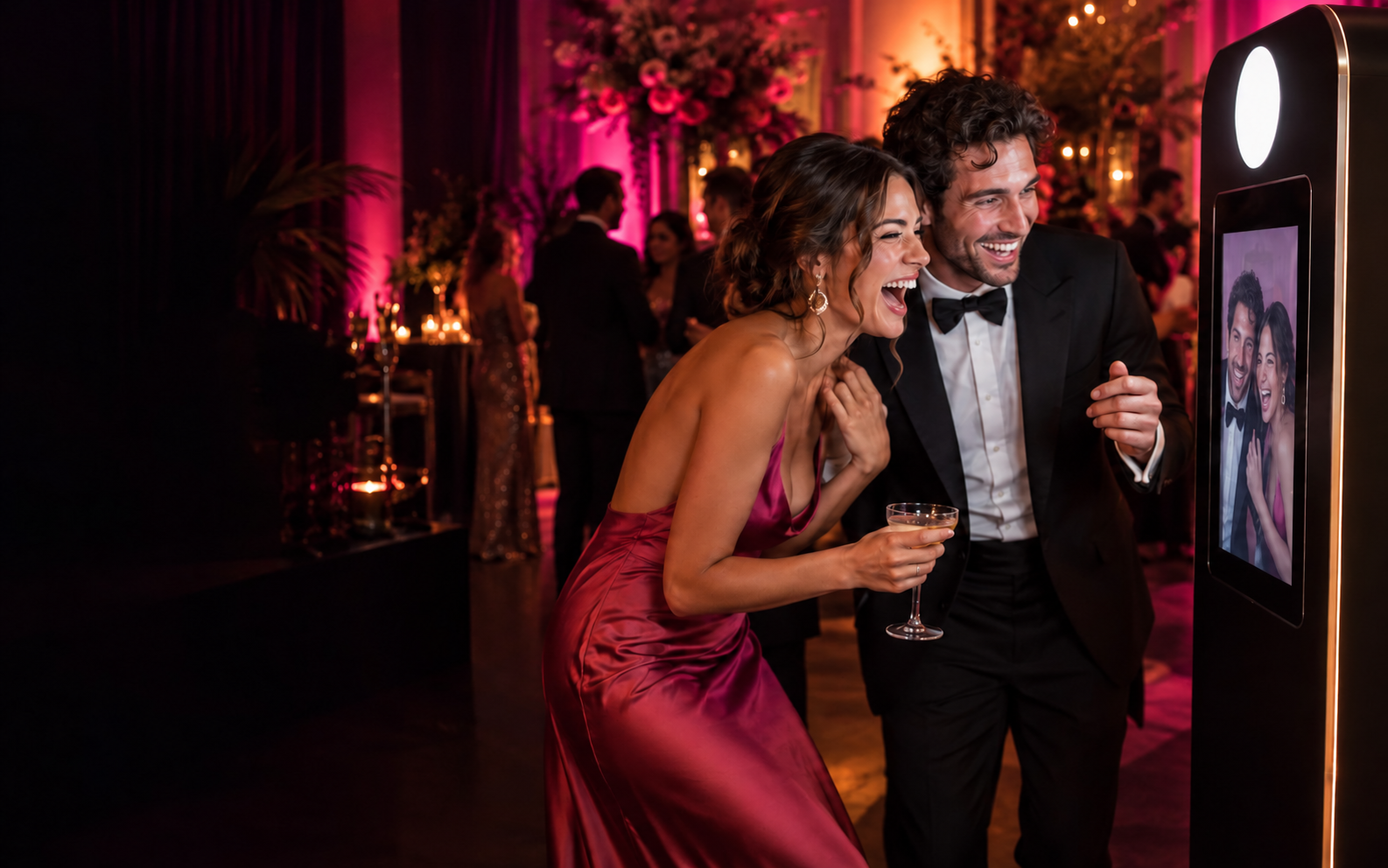
THE GUEST EXPERIENCE, IN MOTION
From a looping GIF to a new AI look, give clients a feel for what they can add to the booth. Explore the examples below.
A burst of expressions becomes a short, shareable loop.
Explore GIF mode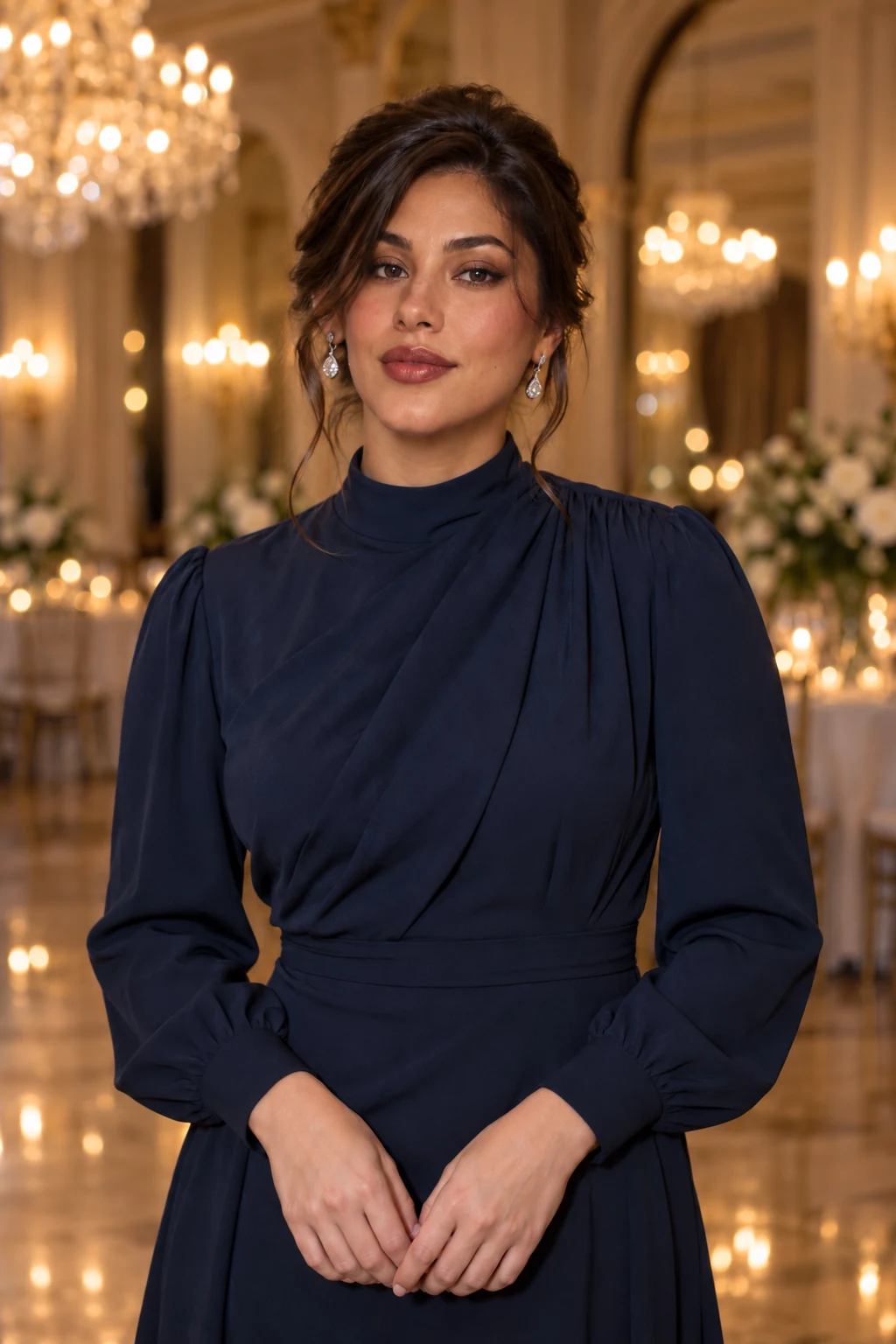
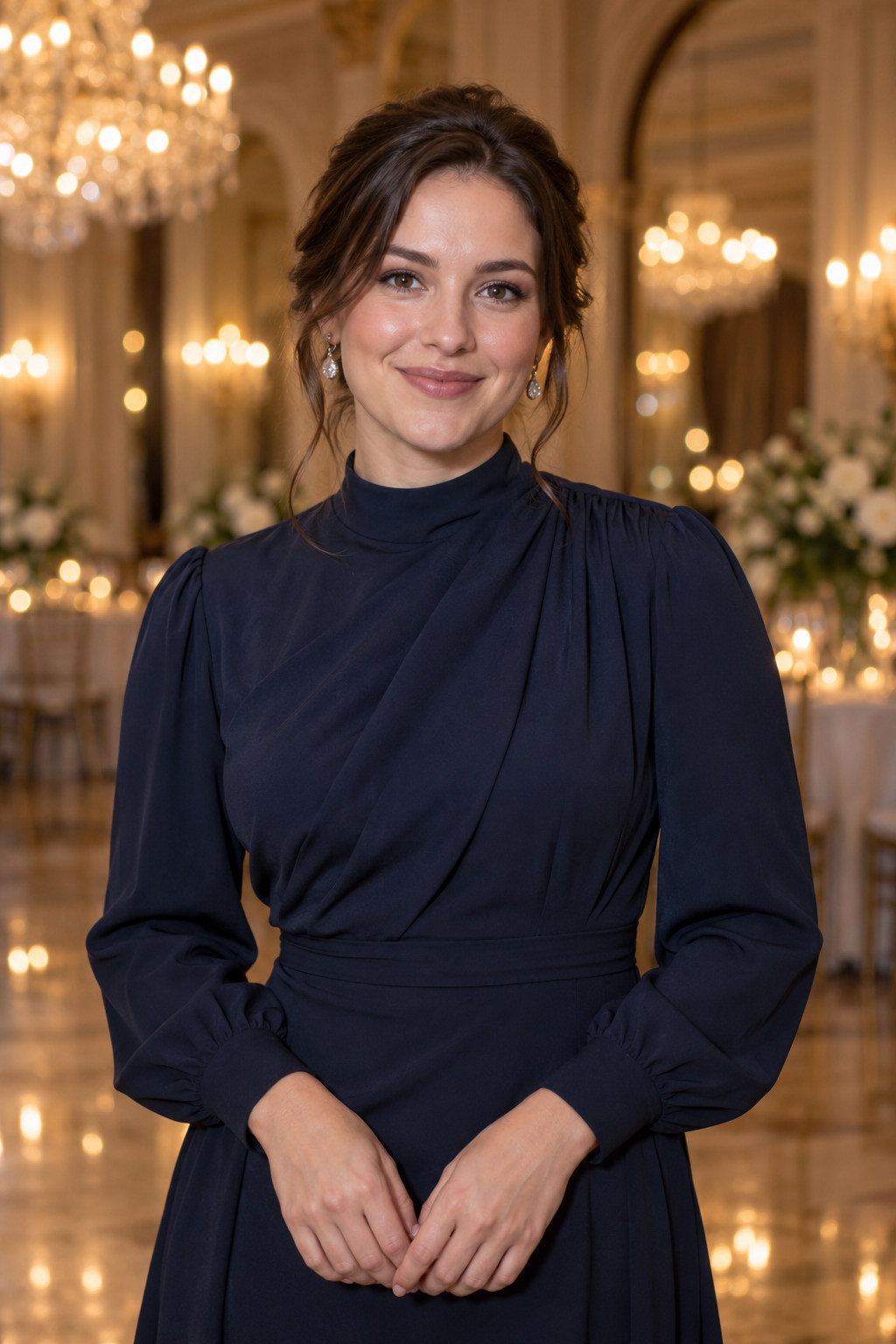 OriginalFace Swap
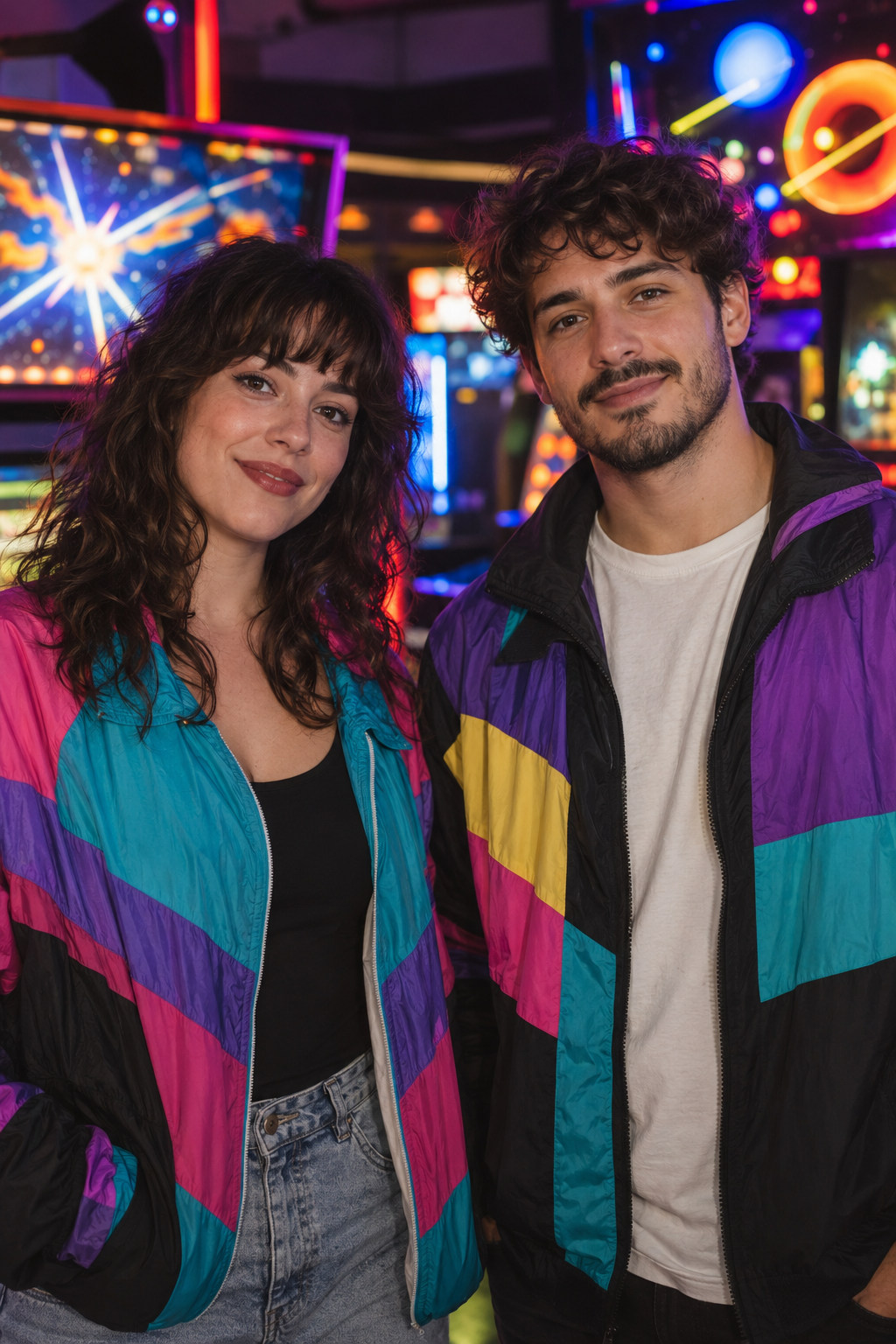
Drag the handle to reveal a different guest identity in the scene.
Explore Face Swap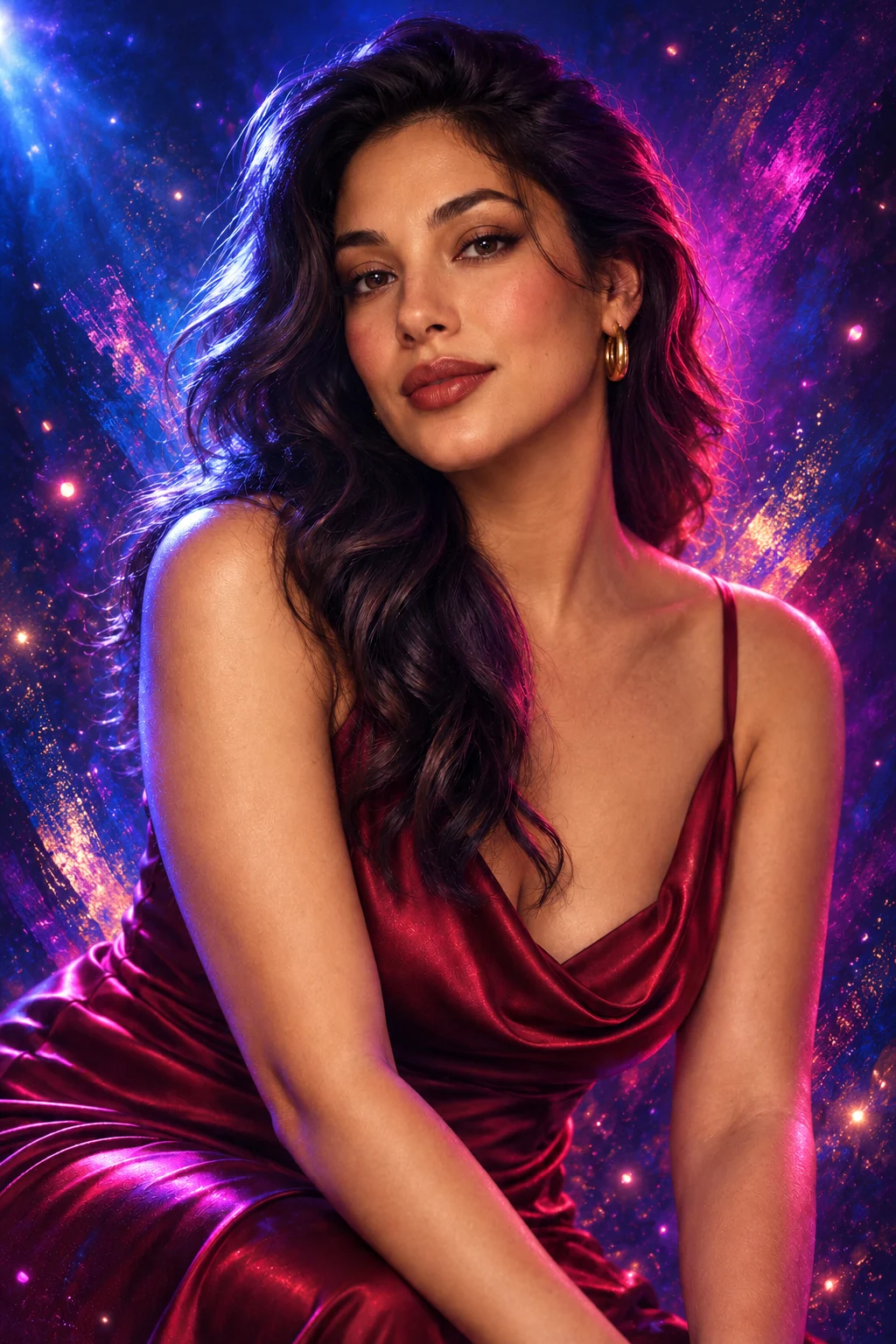
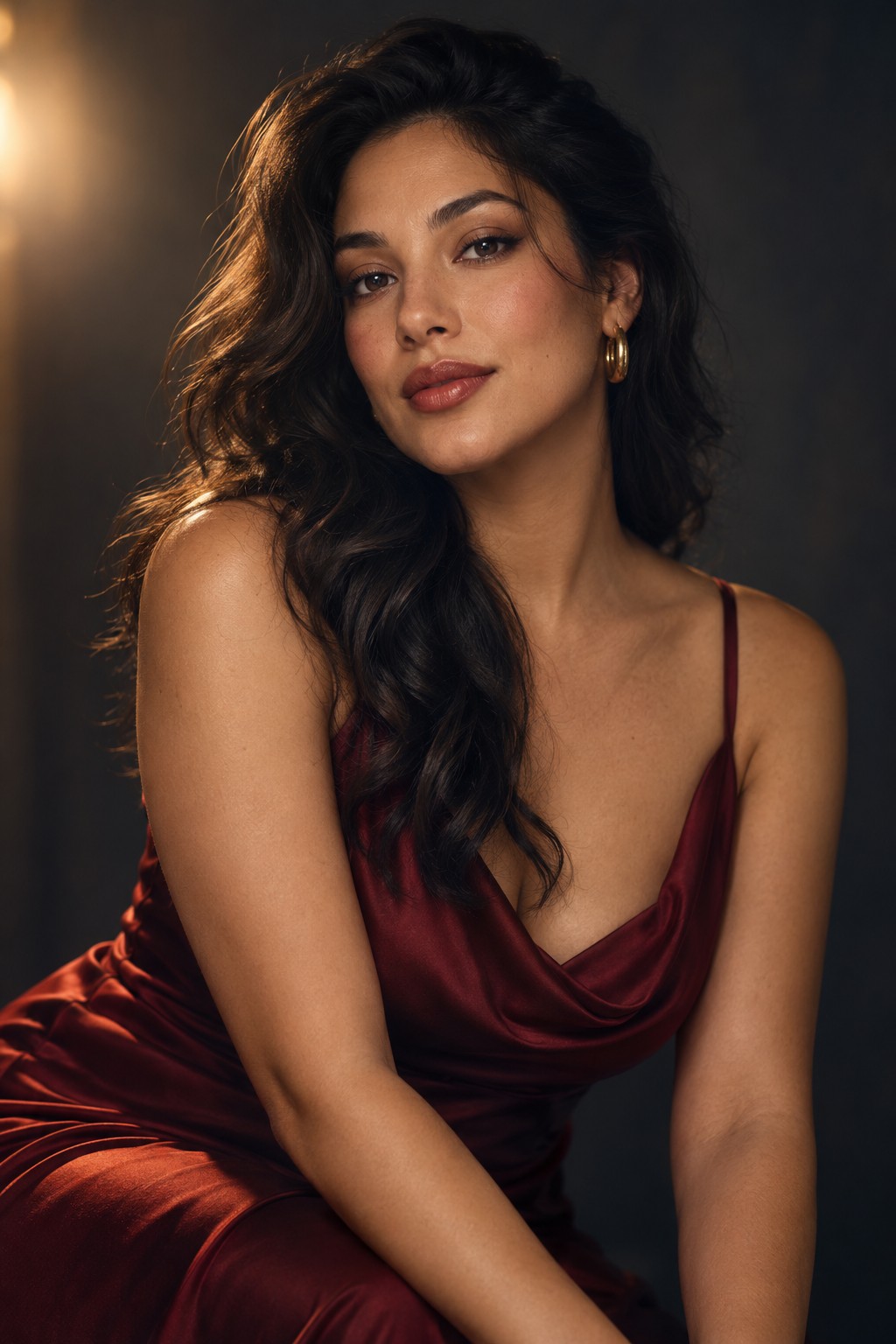 OriginalAI Effects
Drag to compare the original portrait with an expressive finish.
Explore AI EffectsCreative examples are illustrative, not verified Neo Booth captures. Test each mode with your hardware and configured models before offering it at an event.
INSIDE THE SOFTWARE
Explore five clear workflow previews. Each step also opens its captured development screen for a closer look.
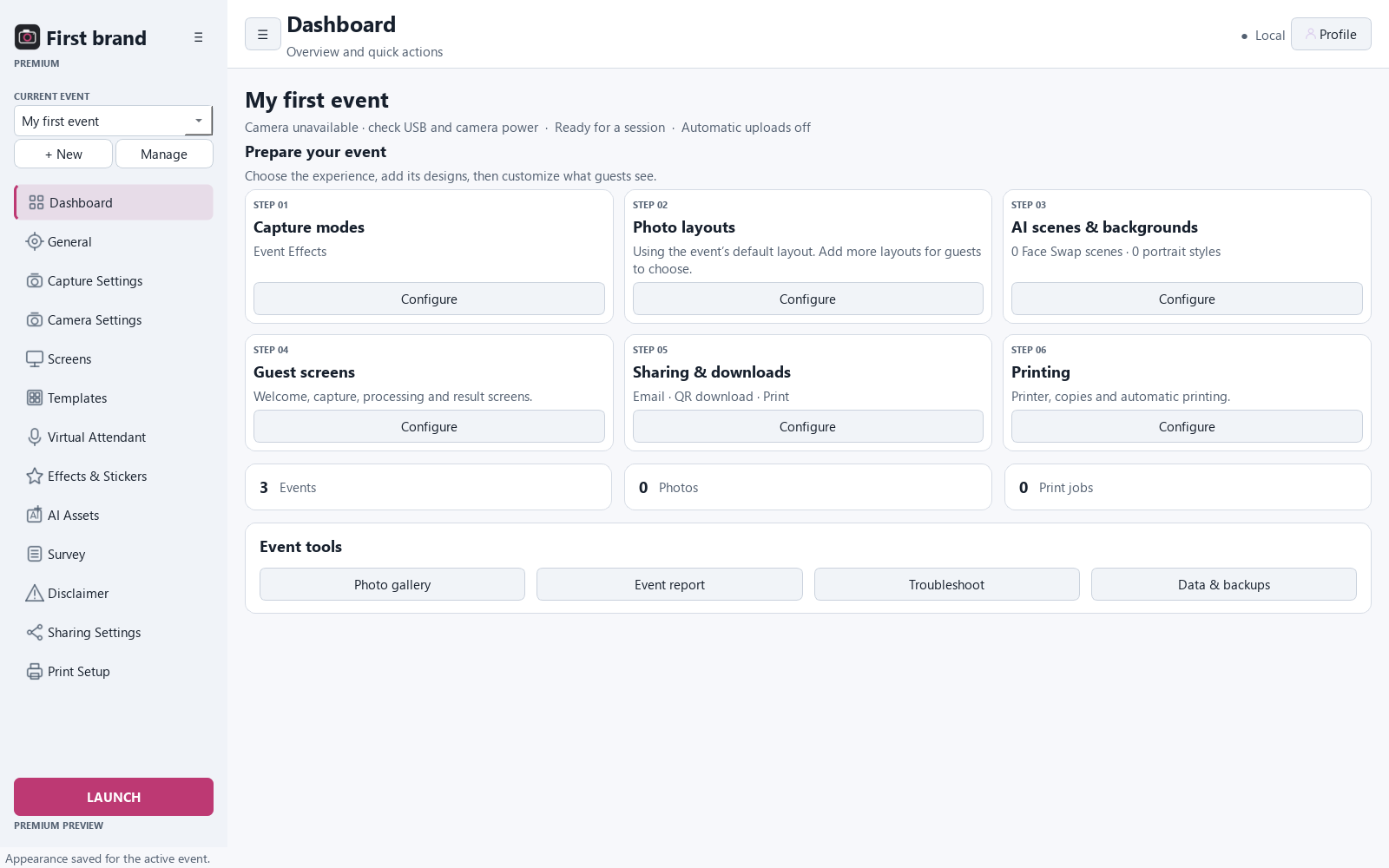
01 / PREPARE
INSIDE NEO BOOTH
Capture modes, layouts, guest screens, sharing and printing are organized around the current event.
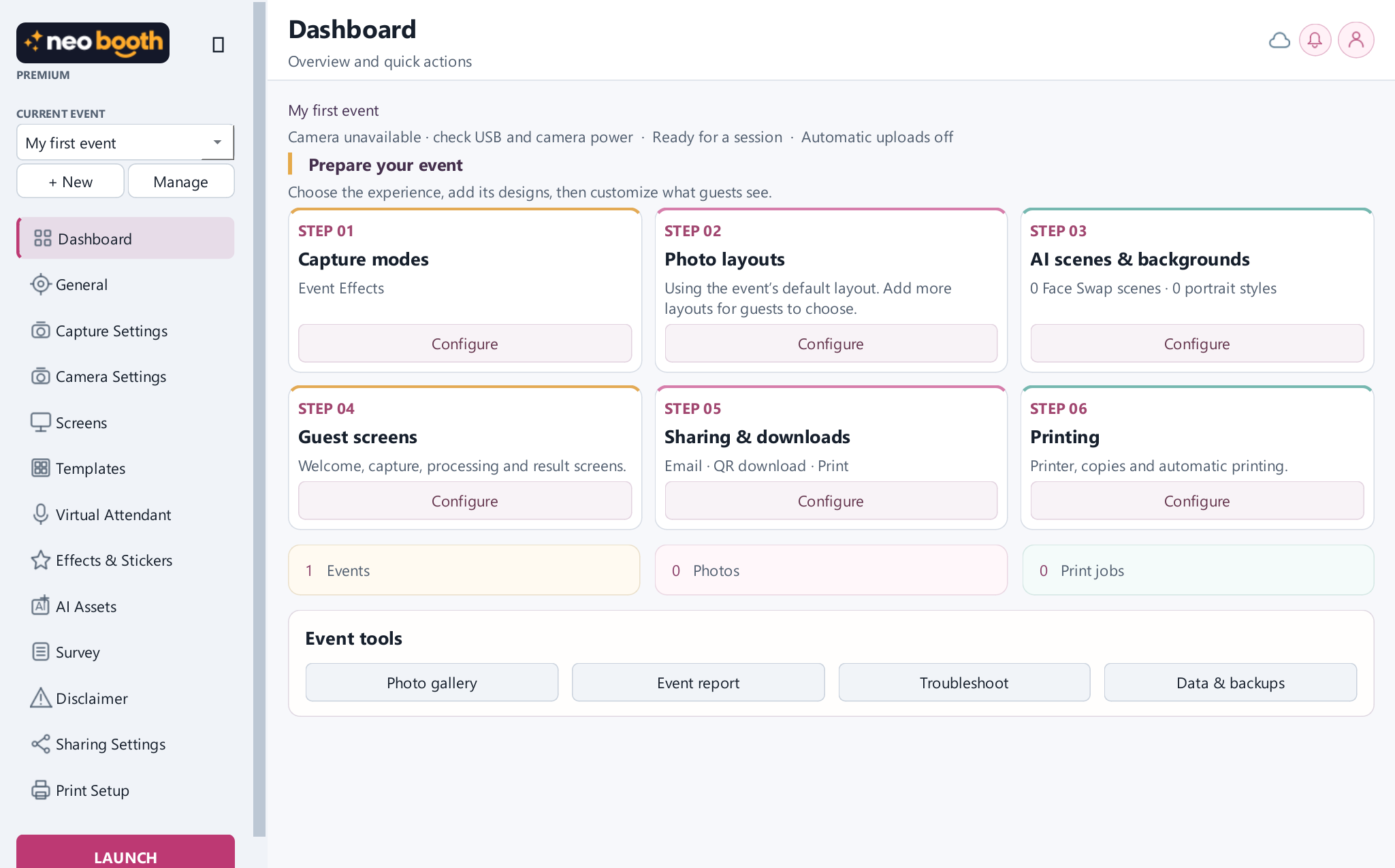
02 / DESIGN
INSIDE NEO BOOTH
Browse reusable photo layouts and choose the design offered at this event.
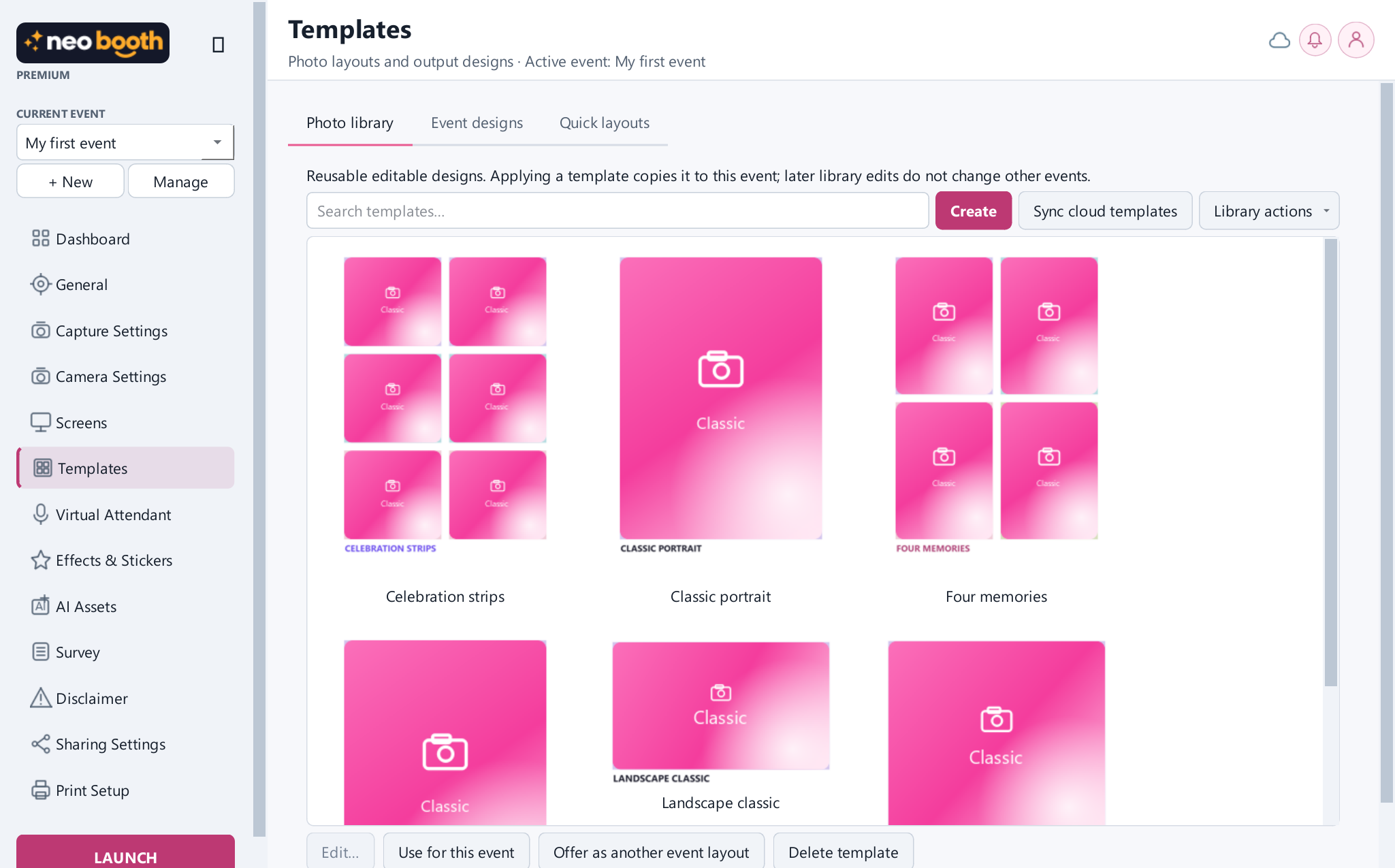
03 / CREATE
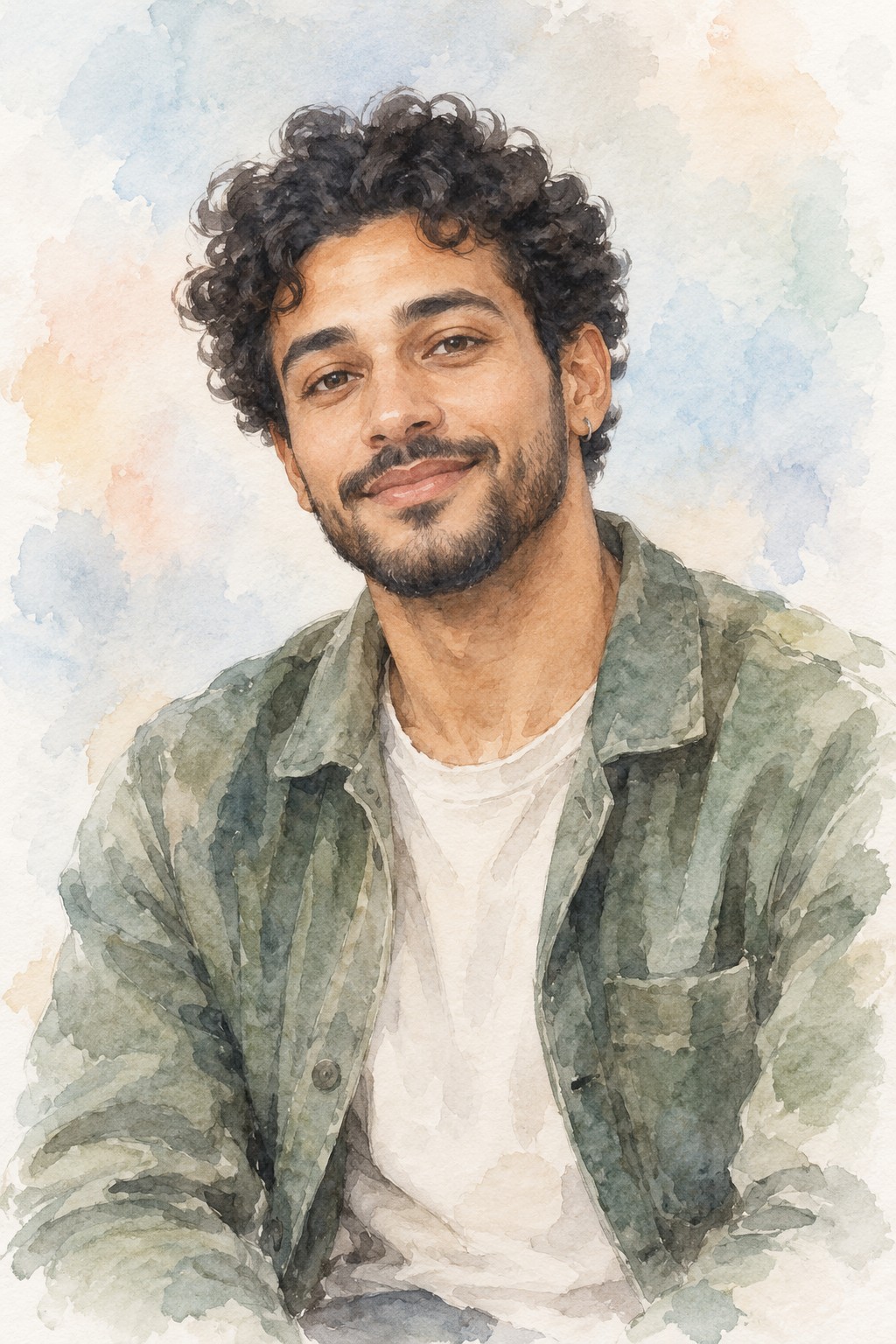
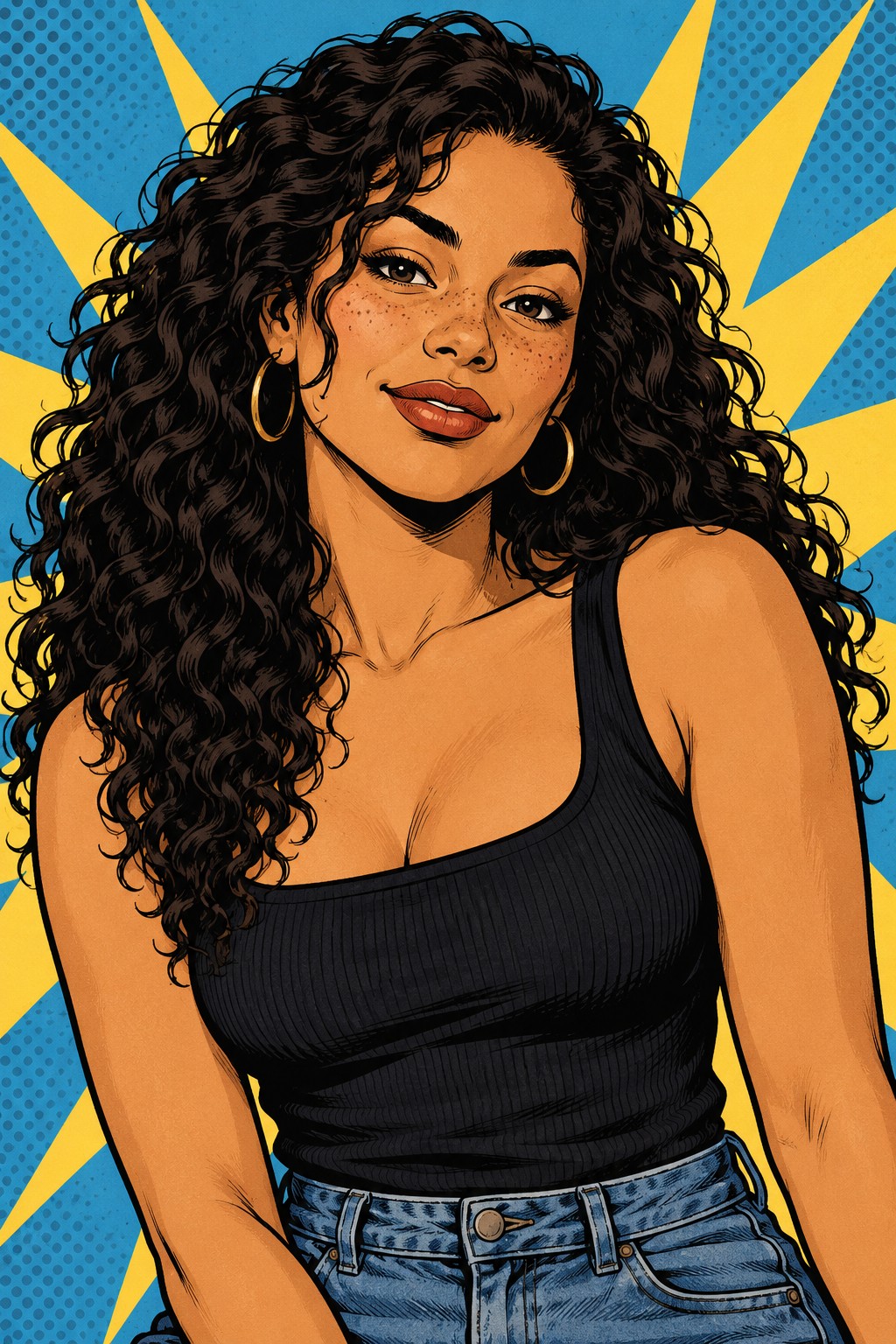
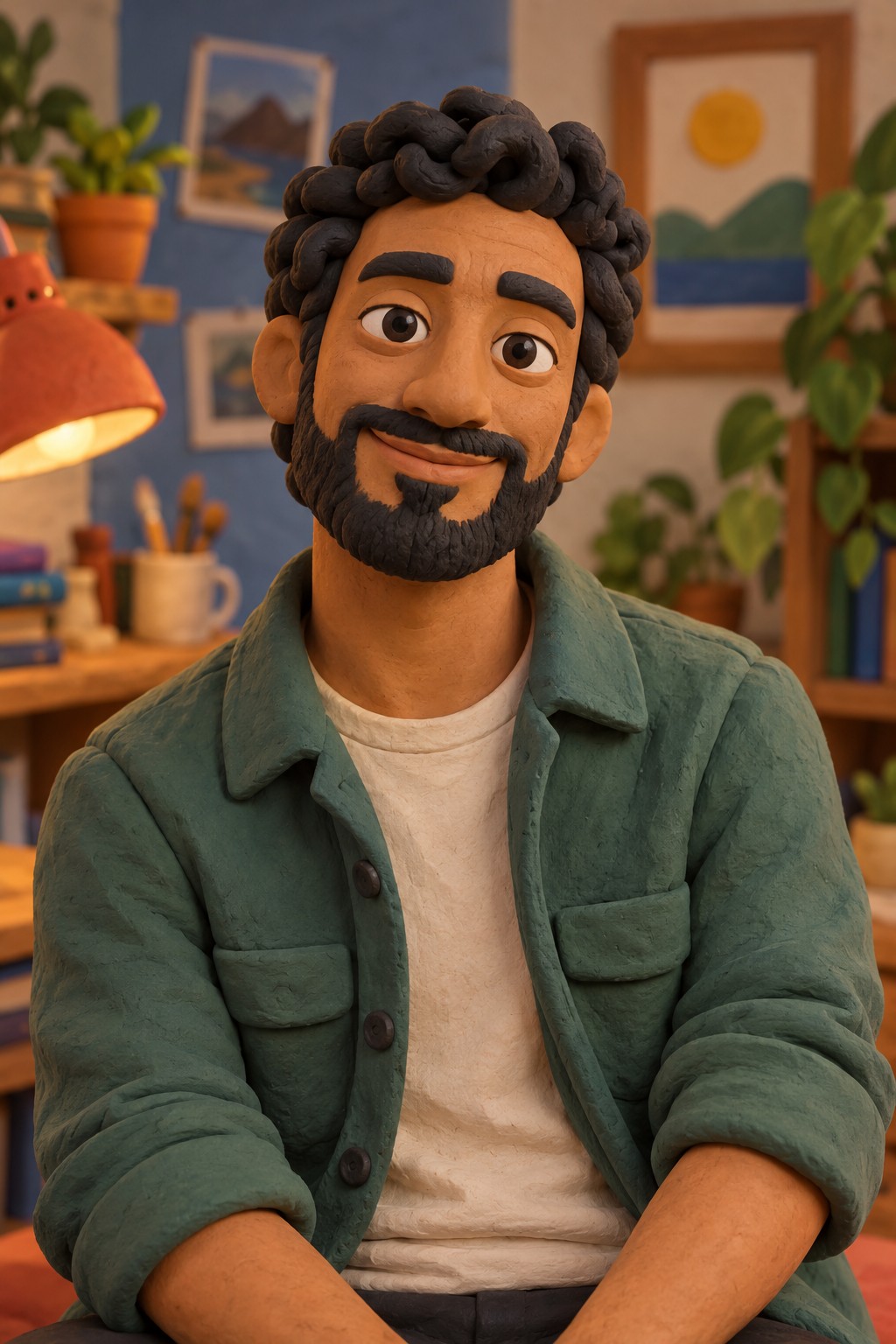
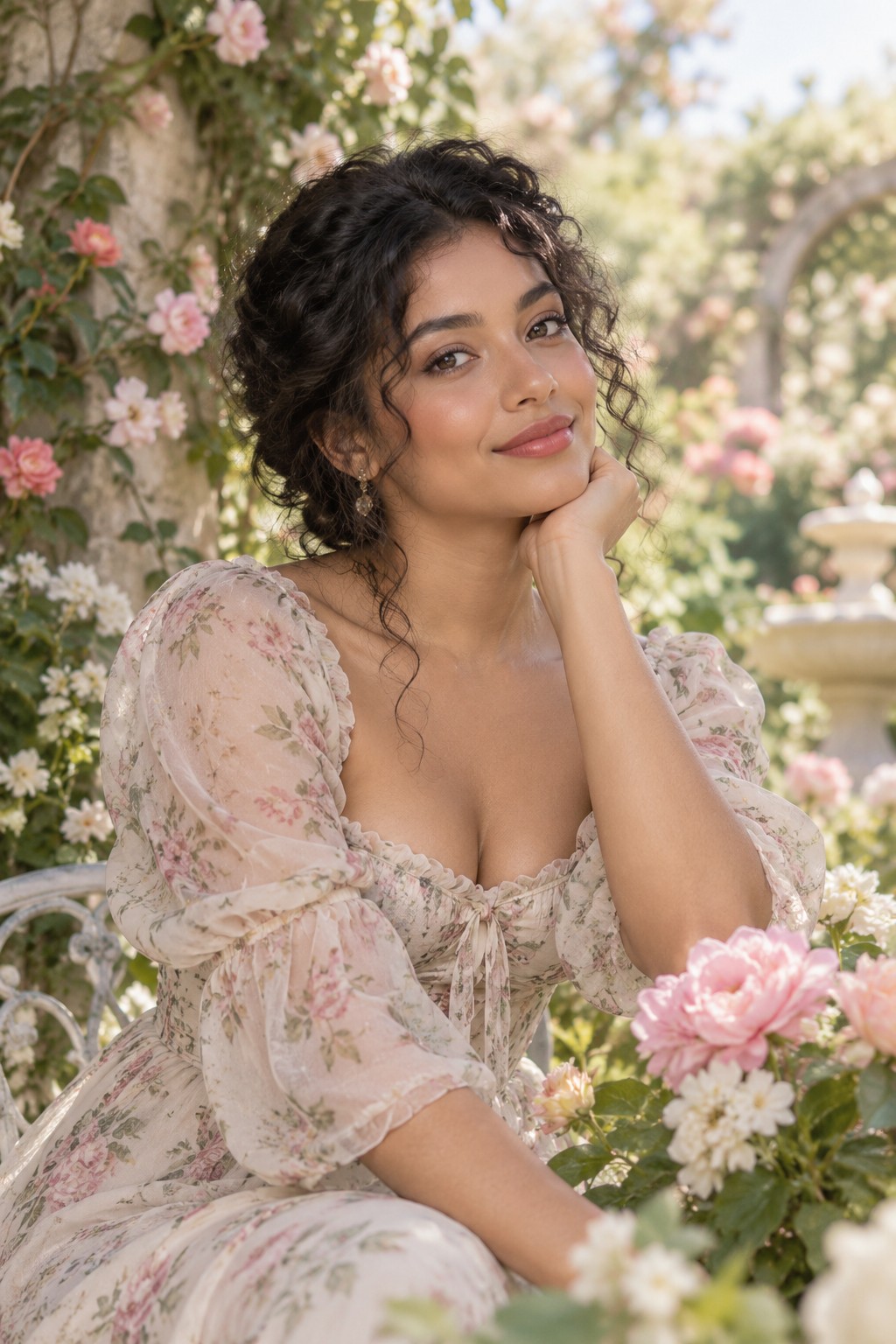
INSIDE NEO BOOTH
Browse built-in AI effect previews and decide which looks fit the event. These are style artwork, not finished guest generations.
Built-in style previews; finished guest results depend on local models and setup.
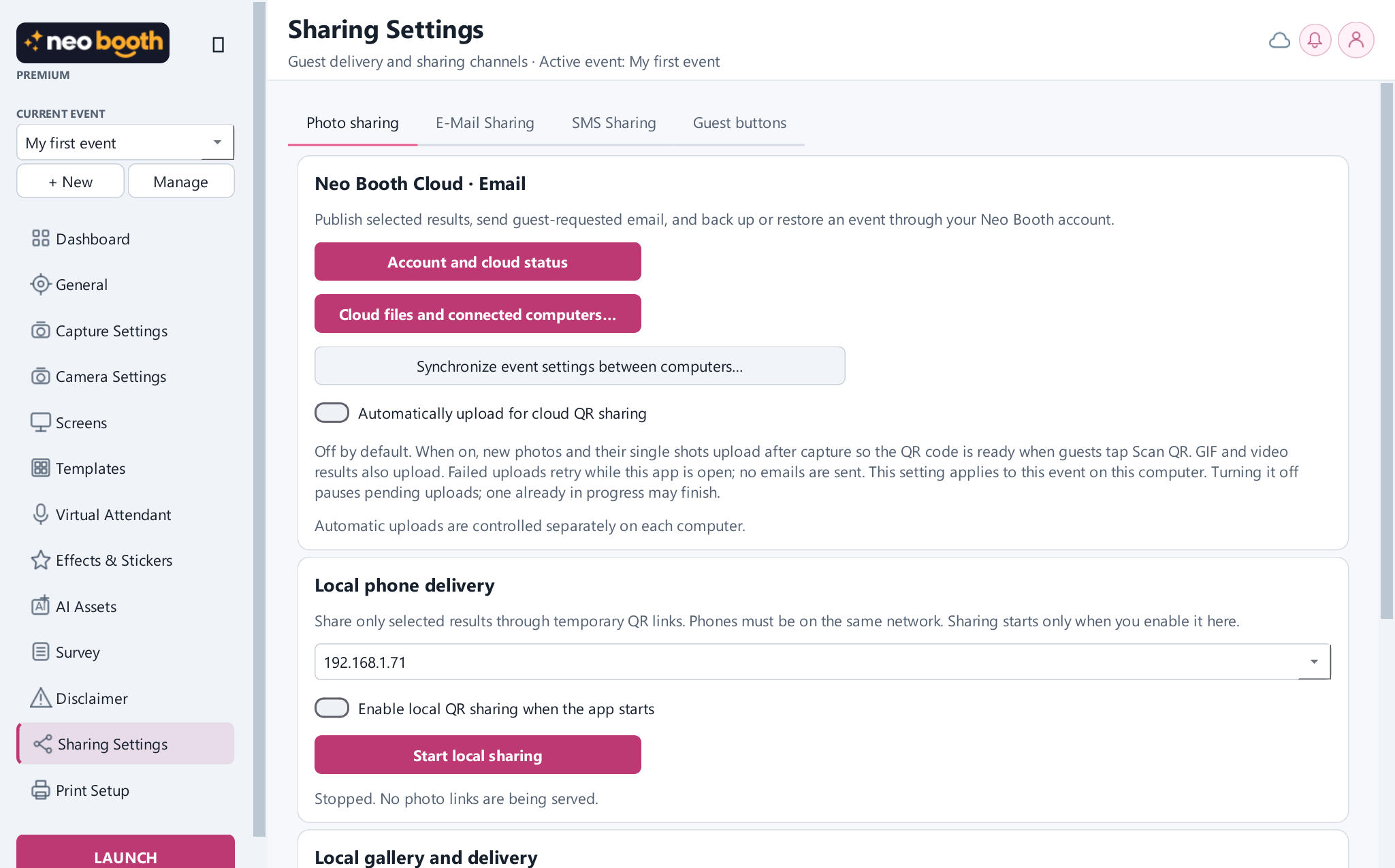
04 / SHARE
INSIDE NEO BOOTH
Configure local QR delivery and optional cloud upload on the event computer.
05 / PRINT
INSIDE NEO BOOTH
Choose printer, paper, copy behavior and alignment before opening the booth.
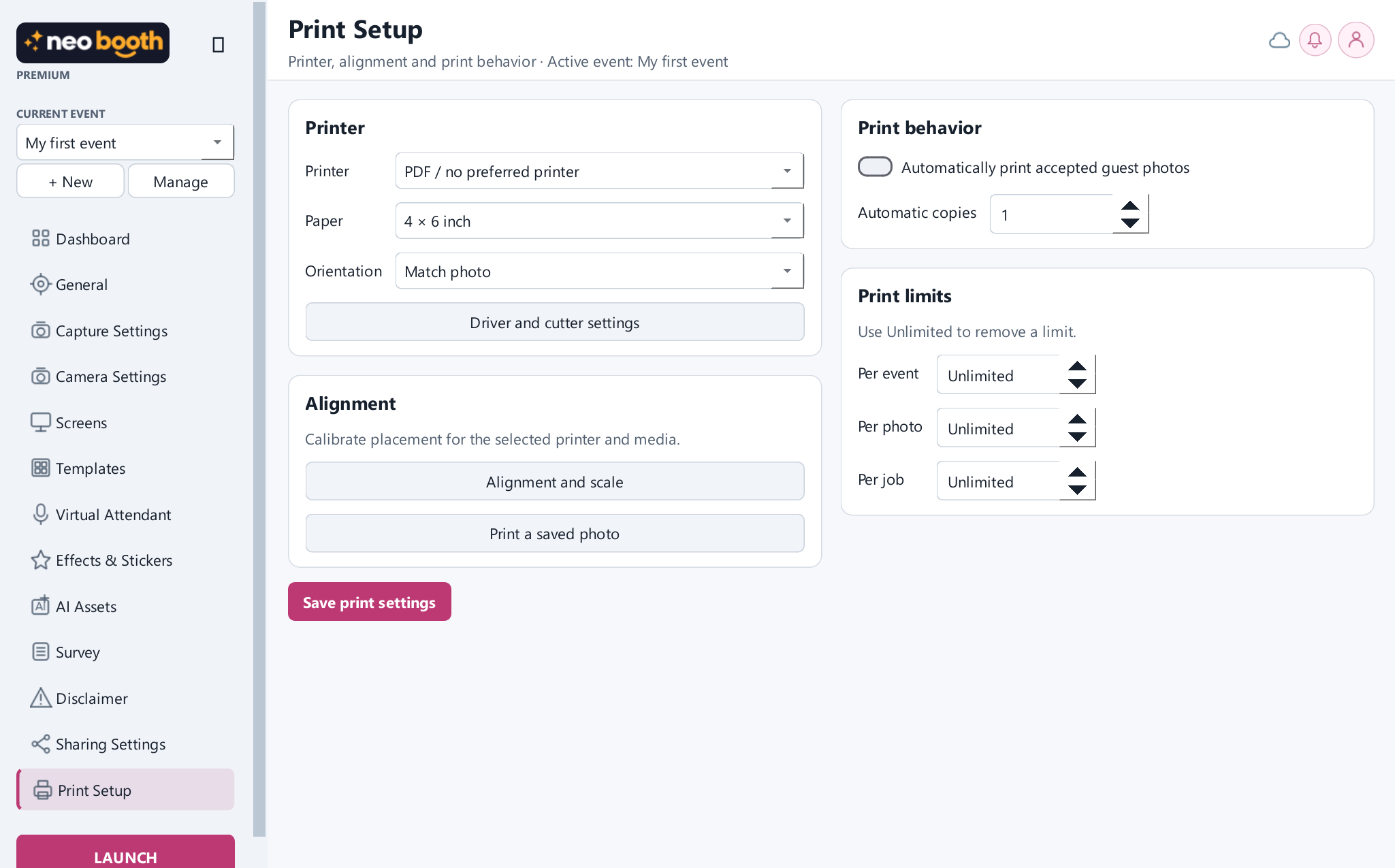
The workflow previews explain the process; linked desktop screens show the current development interface. The published 0.1.66 installer may look different while the next release is prepared.
Explore every feature →BUILD YOUR BOOTH BUSINESS
Start with a clear event package, then quote extras that take more time or equipment. These are example scopes, not fixed Neo Booth plans.
A defined event window with a designed photo layout and digital guest results.
Add physical prints and a guest delivery path to the base experience.
Tailor screens, artwork and optional creative modes to the event brief.
READY TO GO FURTHER?