COMPLETE FEATURE GUIDE

Everything behind a better booth experience.

Neo Booth combines event preparation, guest capture, creative finishing and delivery in one Windows application. Feature availability depends on hardware, models and configured services.

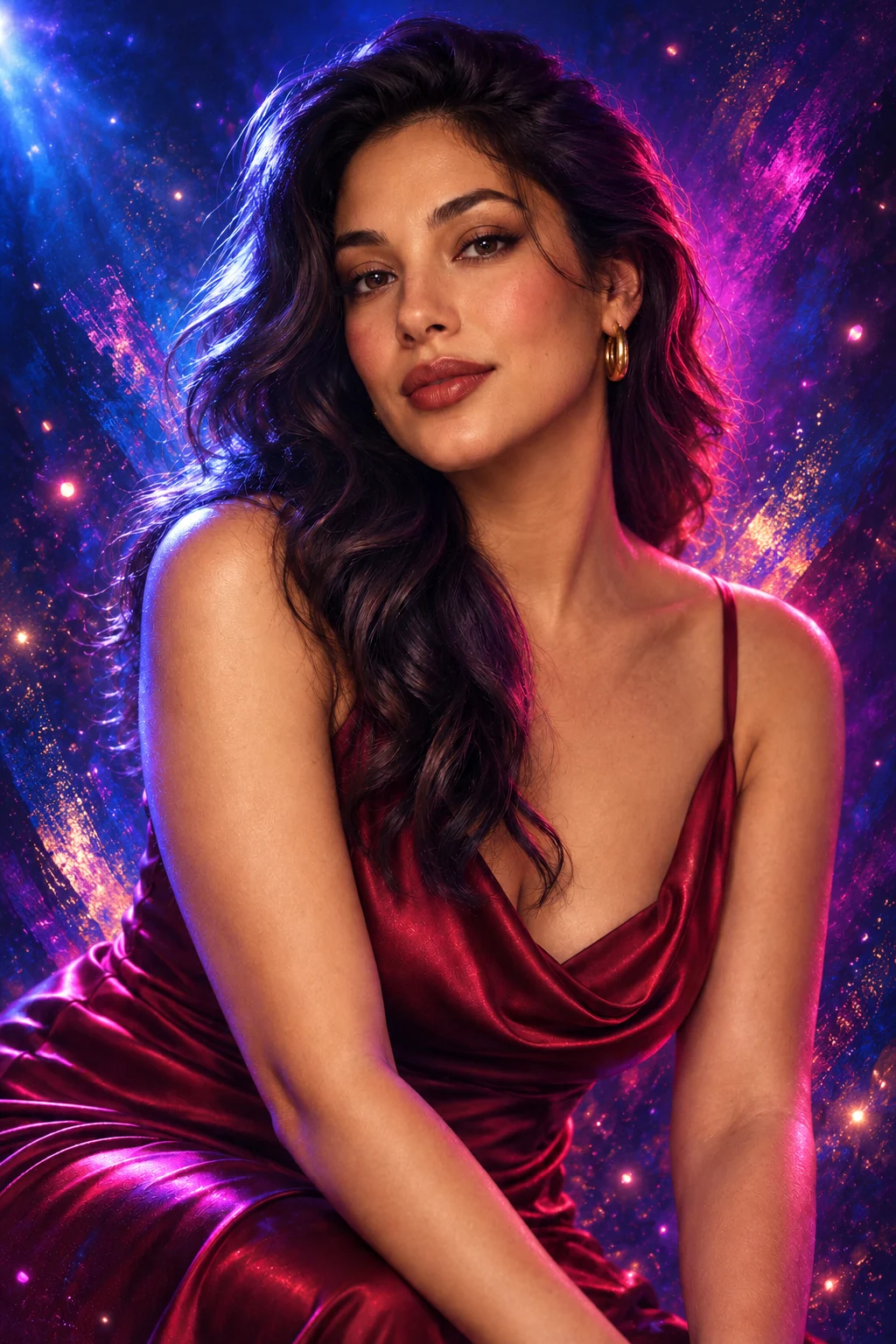
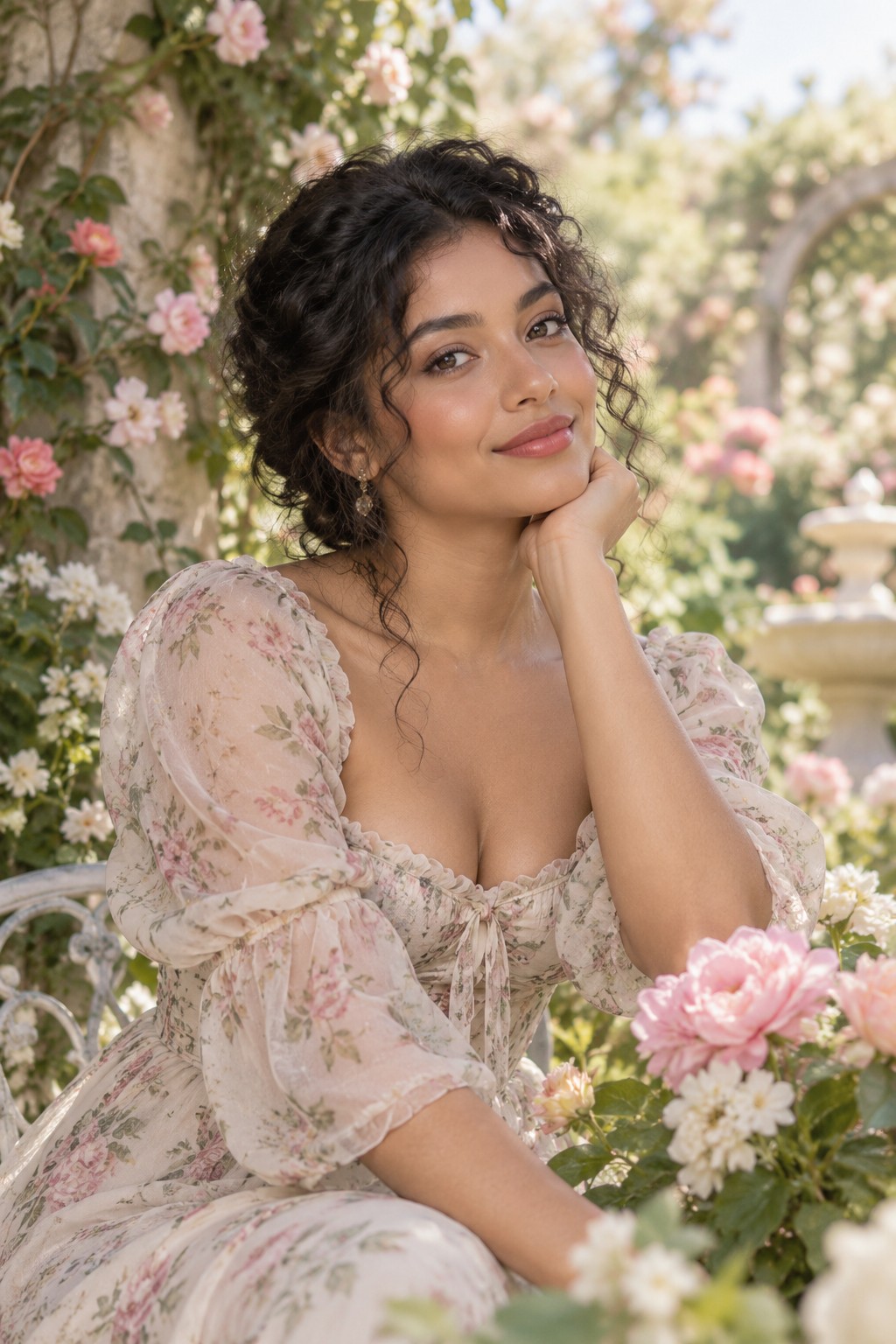
Dream Garden portrait style preview artwork
Built-in development style artwork

ONE CONNECTED WORKFLOW

01Prepare

Build the event, layouts and guest screens.

02Create

Capture photos, motion and configured AI looks.

03Deliver

Print, share and keep results organized.

EXPLORE THE CAPABILITIES

Everything in its place.

Find the tools you need, then expand a category for the full feature list.

01

Event planning & setup

Build and reuse your operator workflow.

  • Multiple local events with separate settings and media
  • Dashboard preparation cards and event readiness checks
See all capabilities
  • Capture settings for modes, countdown and session behavior
  • Event reports, troubleshooting and data/backups
  • Custom operator brand, colors and appearance options
  • Reusable photo layouts, template library and event designs
02

Layouts, screens & branding

Make the guest journey fit the event.

  • Photo layout and print composition tools
  • Welcome, capture, sharing, processing and pause screen design
See all capabilities
  • Text, images, shapes, QR elements and layer controls
  • Background images and video where supported by the screen
  • Guest labels, colors, positions and touch-friendly actions
  • Effects, stickers, frames and photo filters
03

Capture & guest experience

Give guests a clear path from start to result.

  • Classic Photo, GIF, AI Portrait and AI Face Swap guest choices
  • 360 / Boomerang and video capture settings
See all capabilities
  • Live preview, countdown and camera-trigger options
  • Choose a look, review results and try another look using the original capture
  • Filter thumbnail gallery and saved filtered output
  • Photo gallery and locally stored originals/final results
04

AI tools

Creative options that require local model setup and testing.

  • AI Effects style library and AI Face Swap scene library
  • Background removal and replacement workflows
See all capabilities
  • Guest portrait processing and scene-based face swap
  • Local generation setup and model availability checks
  • AI output review before printing or sharing
  • Commercial model rights and event reliability must be confirmed by the operator
05

Printing, sharing & library

Give guests the finished result.

  • Windows printer selection, copies and automatic print options
  • QR delivery on the local network when enabled
See all capabilities
  • Optional cloud upload and guest gallery links
  • Guest-requested email when a configured service is available
  • Event photo library and downloads
  • Cloud archive, connected computers and event-setting sync where configured
06

Operations & control

Tools for repeatable event work.

  • Camera selection and connection settings
  • Operator/attendant controls and virtual attendant options
See all capabilities
  • Survey and disclaimer screens
  • Event backup and restore
  • Local data ownership with optional cloud connection
  • Account, device and access controls in the companion cloud workspace

INSIDE THE DESKTOP APP

A workspace built around the event.

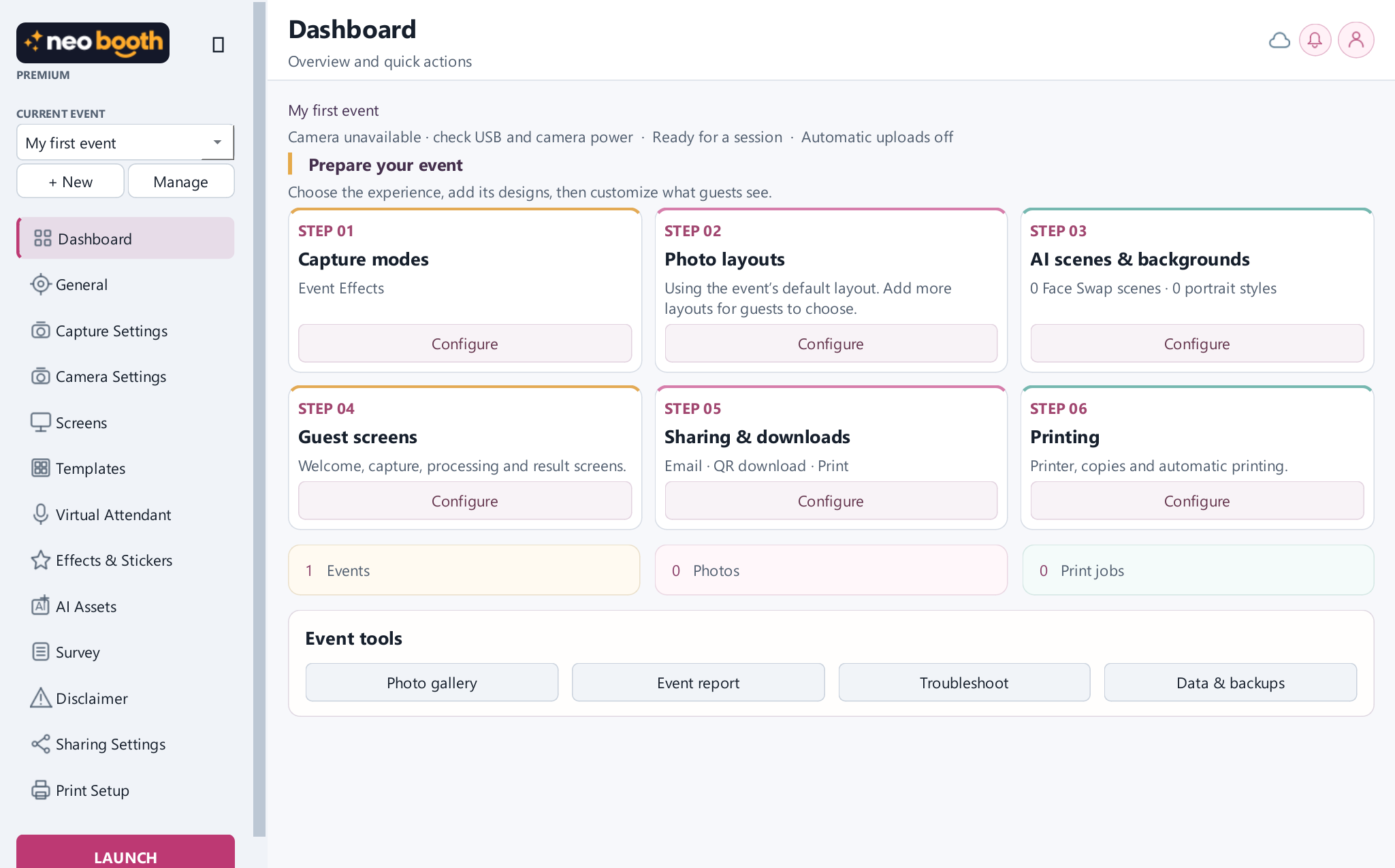
See the current desktop dashboard at full size, then explore each part of the workflow on the Home page.

Neo Booth development interface: event planning dashboard
Actual desktop development screen · current installer may differ

ACTUAL DEVELOPMENT SCREEN

Plan once. Stay ready when guests arrive.

The dashboard groups capture, design, sharing and printing around the selected event. Open the screen for its original resolution.

Explore the software tour →

CREATIVE OPTIONS

Creative results, at a glance.

These examples show the kinds of experiences you can prepare. The final result depends on the event setup, hardware and any installed AI models.

Make room for more than a still photo.

Explore looping GIFs, printed keepsakes and AI style options in the guest experiences gallery.

See guest experiences →
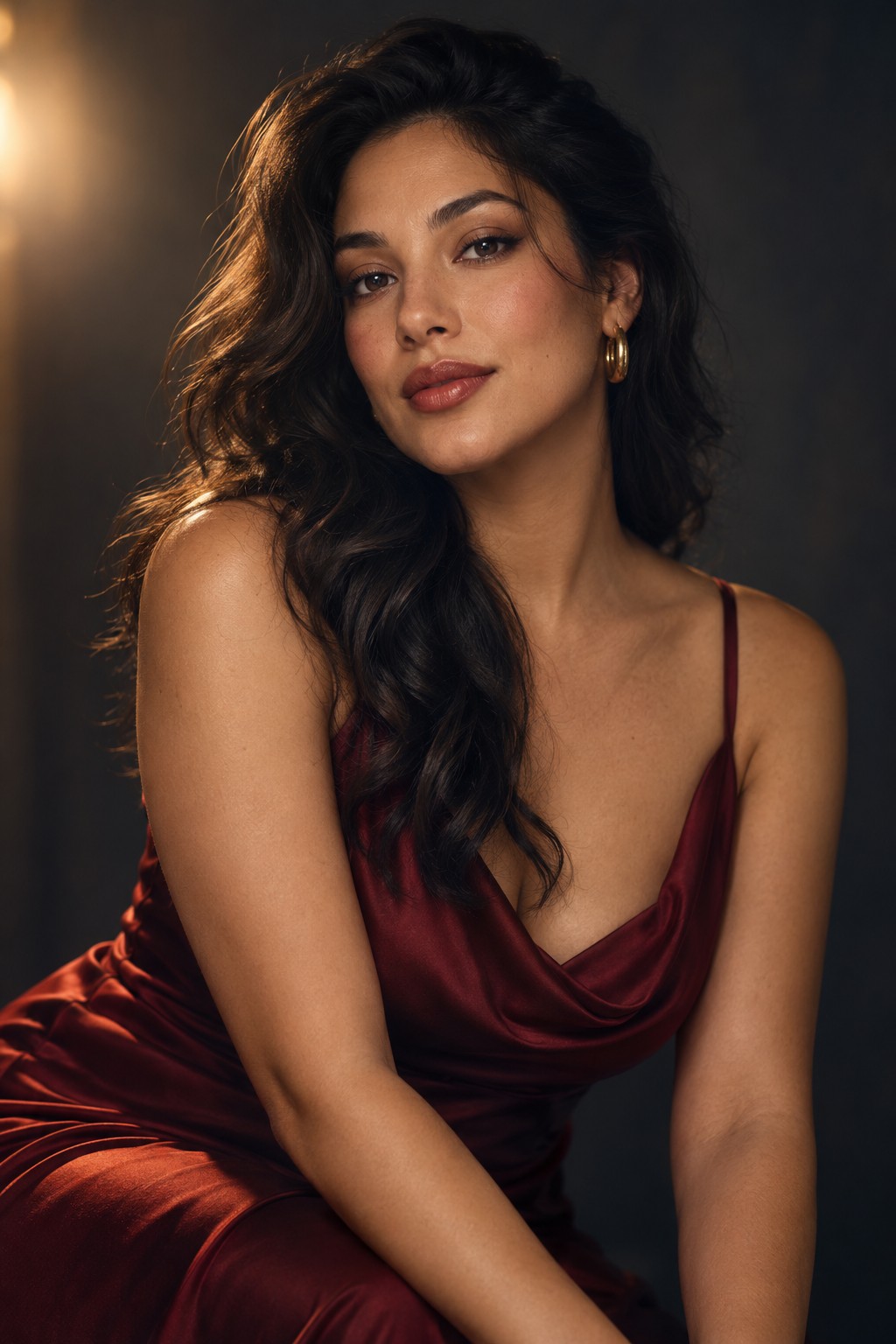
Illustrative ai effects result for a studio portraitOriginal illustrative photograph for a studio portraitOriginalAI Effects
Illustrative AI effect comparison; not a verified Neo Booth capture.
Access and setup

Free Forever supports one local classic-photo event with local saving. The expanded features above require Premium; AI model files, camera SDKs, printer hardware and cloud/email configuration can also be required. This source-based inventory is not proof that every setup has passed live-event qualification.

Expanded Neo Booth desktop interface screenshot