Free Forever
One local event with classic photos, local saving, 100 sessions and 100 print copies per UTC day. Internet is required for Free quotas. Sharing, galleries, motion and AI require Premium.
Compare plans
DOWNLOAD NEO BOOTH FOR WINDOWS
Get Neo Booth 0.1.66 for Windows and start with Free Forever. Enter your name and email, then use the verification link we send to receive the installer.
Version 0.1.66 · 291 MiB · Free Forever available · Verification link expires in 30 minutes
ACCESS
Free Forever has daily capture and print limits checked online. Premium unlocks the wider event workflow.
One local event with classic photos, local saving, 100 sessions and 100 print copies per UTC day. Internet is required for Free quotas. Sharing, galleries, motion and AI require Premium.
Compare plansChoose 1 day, 1 week, 1 month or 1 year for multiple events, design tools, advanced print layouts, sharing and optional AI/cloud features where configured.
See pricesSETUP CHECK
The current installer is about 291 MiB. Check the exact hardware and services you plan to use before an event.
Neo Booth is developed for Windows. Check the requirements of your camera SDK, printer and any AI models.
A webcam path is available; USB camera adapters and printer behavior depend on your exact devices. Free includes up to 100 print copies per UTC day and requires internet for quota checks.
Check camerasAI experiences require Premium and can need model files and a capable computer. Test speed, output and commercial rights.
2fab15a09d4ca3501cf260a7c97880e2cdb45449e249b0d91fb275aa8cf719bcWindows executable signature: not present on this release.FIRST EVENT
Give yourself time for a full rehearsal.
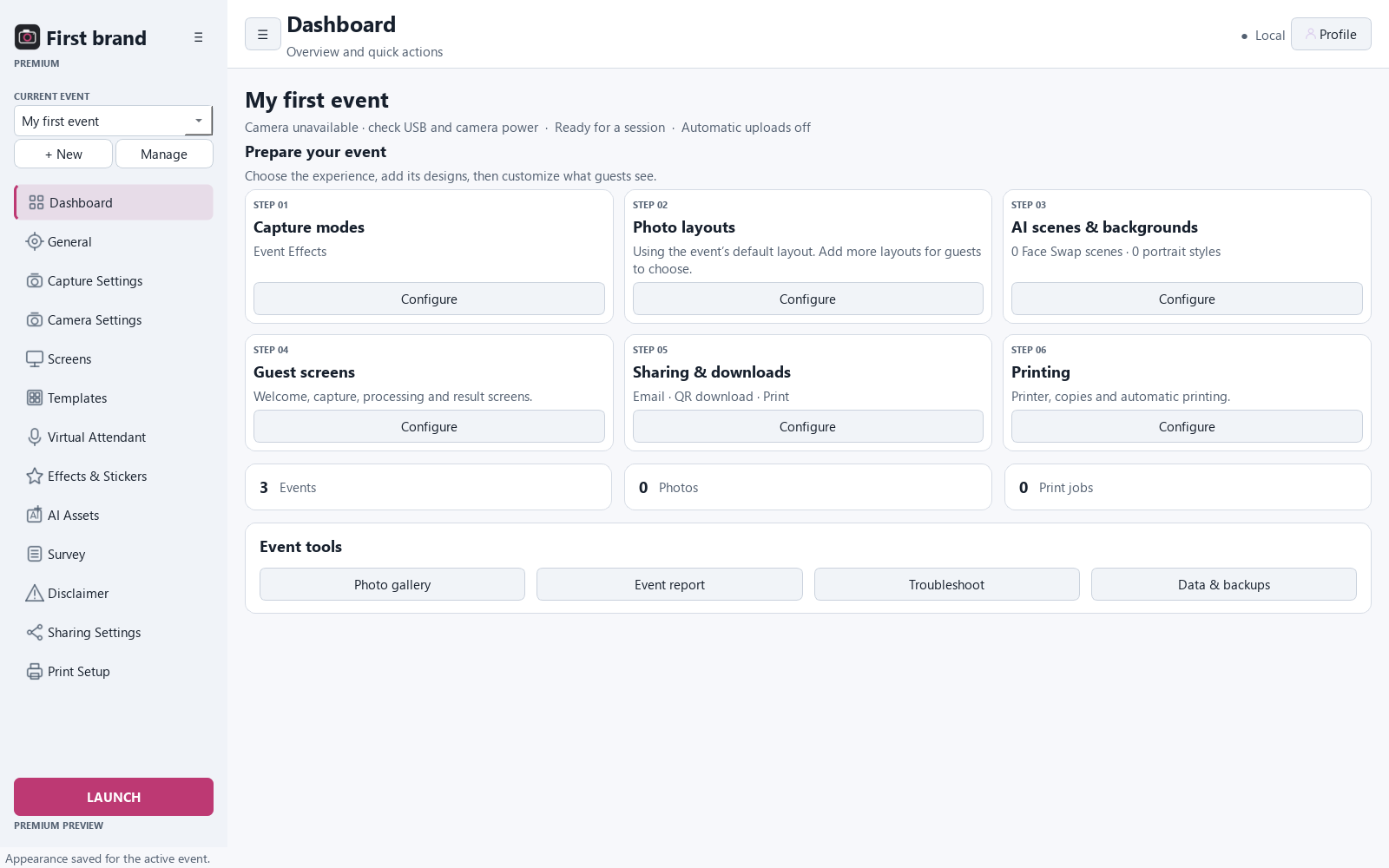
Install Neo Booth and open Free without signing in.
Create one event and test Free classic photo capture.
Connect the exact camera and capture a complete test session.
Test Free printing, then configure Premium sharing or AI one channel at a time.
Inspect saved files, then test delivery and backup before guests arrive.
The installer is stored privately in Vercel Blob, separate from the website files. After email verification, the release service issues a short-lived installer link.