360 / Boomerang
Create looping motion content with the configured capture path. A rotating 360 rig is separate hardware and must be tested as a complete system.
GUEST EXPERIENCES
Start with a dependable photo flow, then add motion or AI when the setup is ready. The software keeps the original capture available for another look.
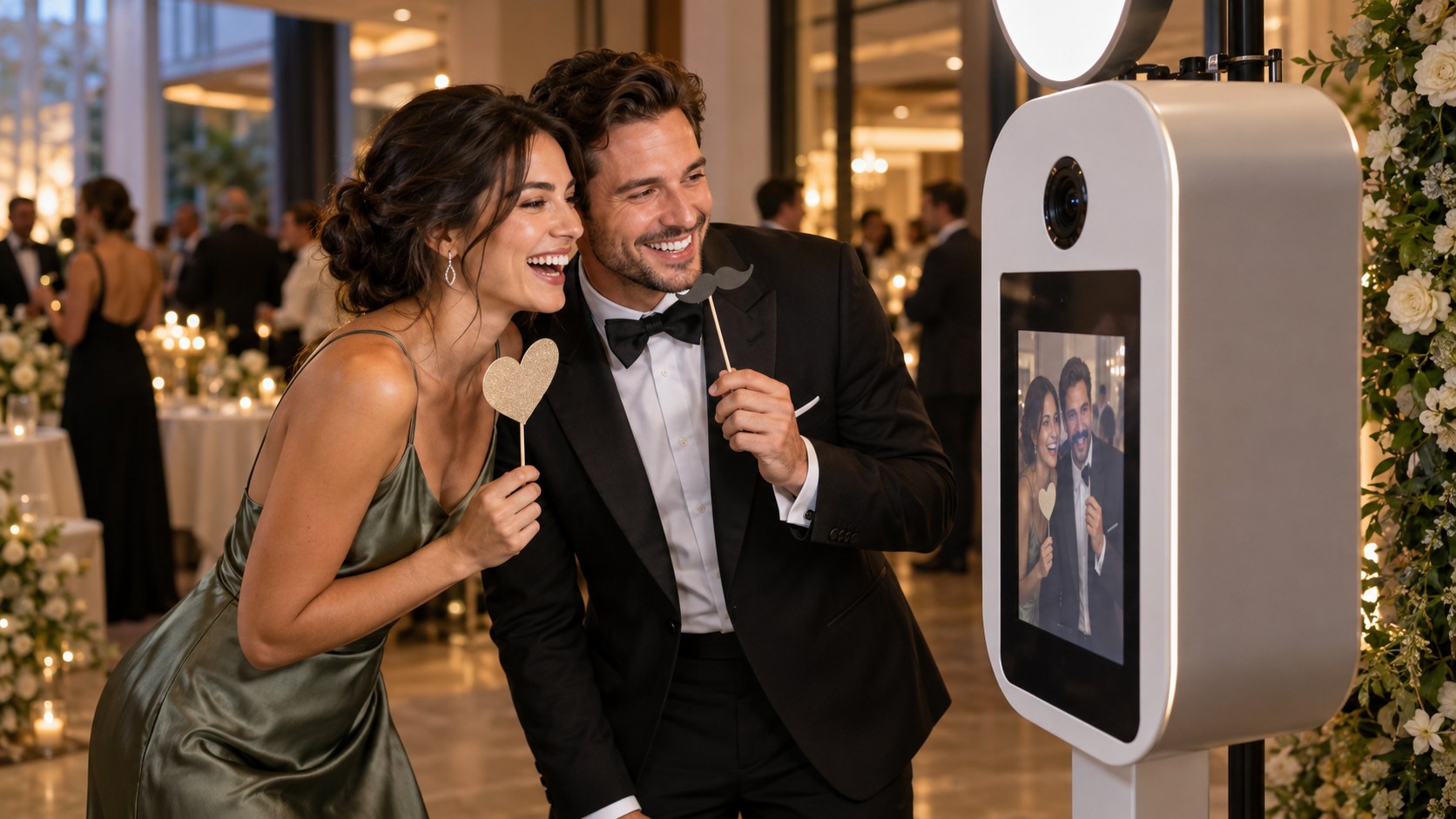
A GUEST JOURNEY
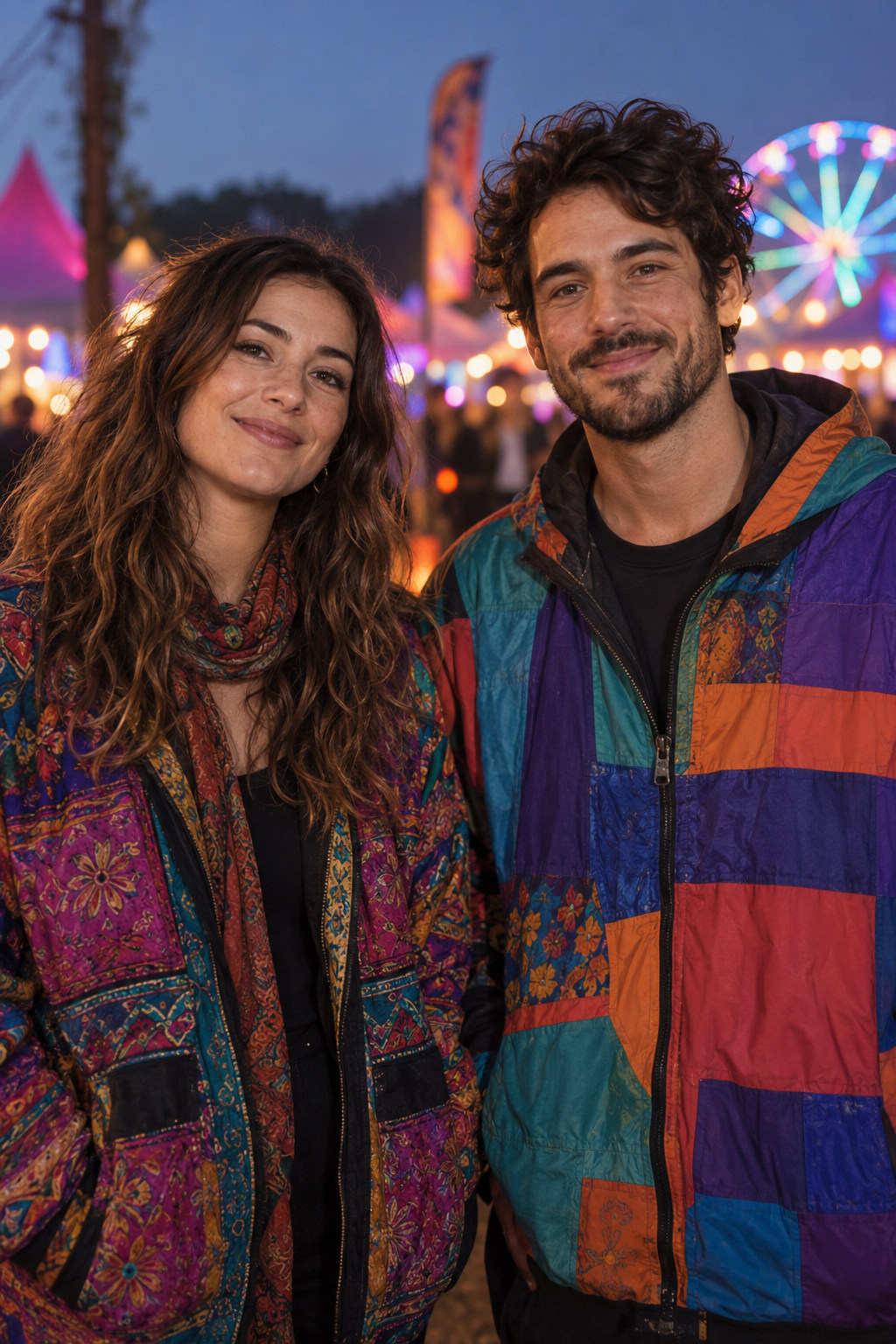
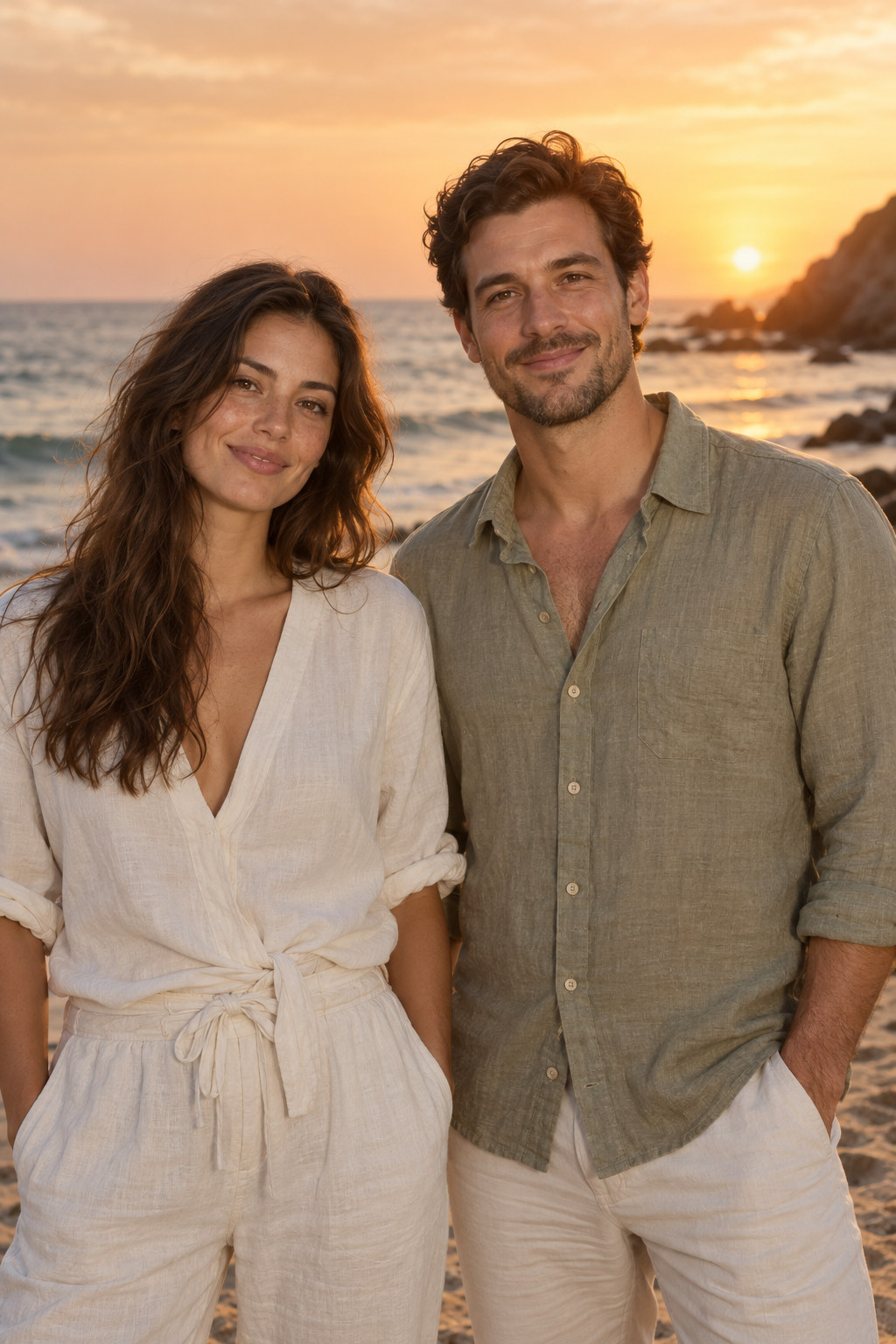
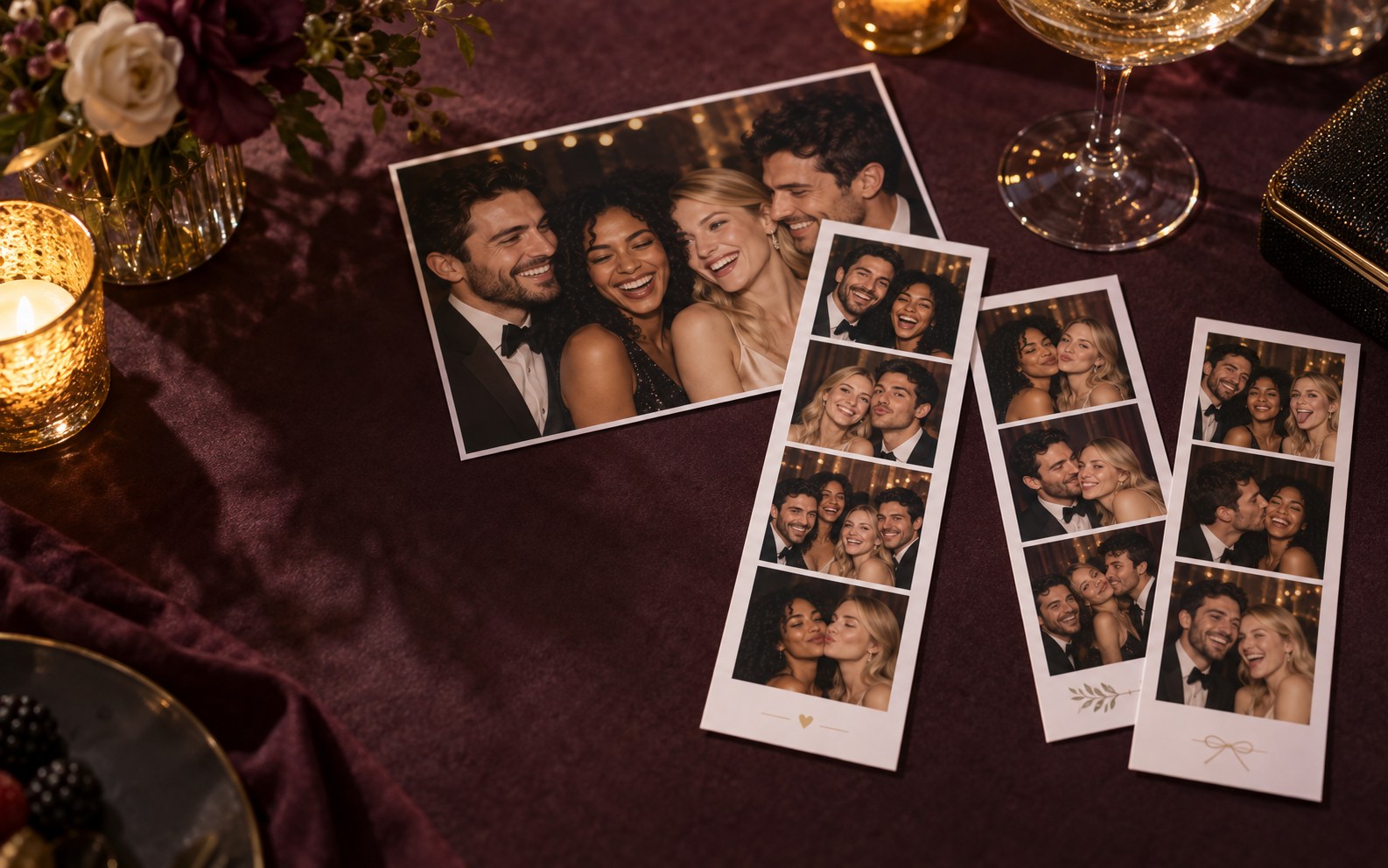
Illustrative journey; images are not output from a verified Neo Booth setup.
INSIDE THE CREATIVE LIBRARY
Choose the style previews guests can browse at your event. Each look needs the required local models and a test with your own setup.
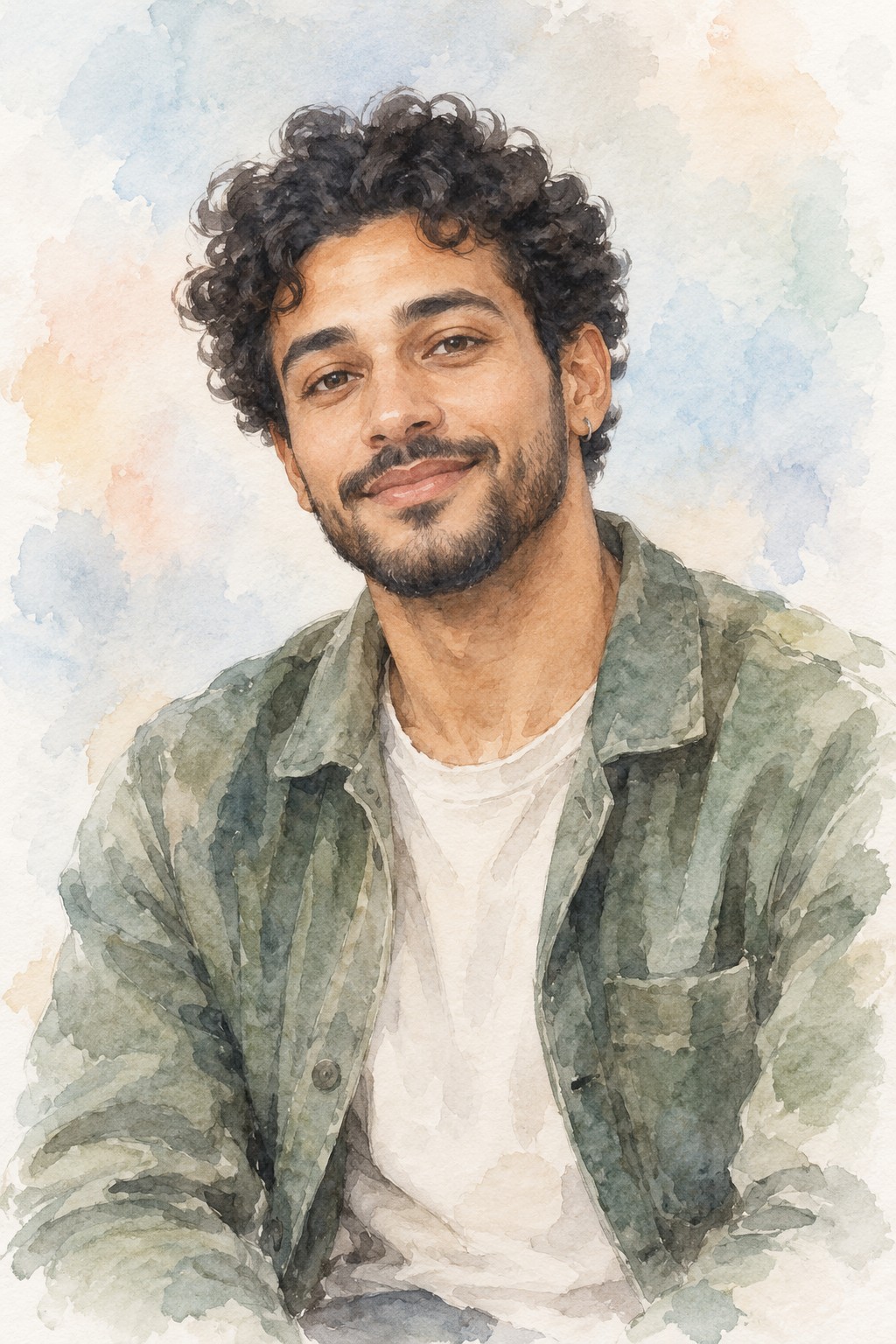
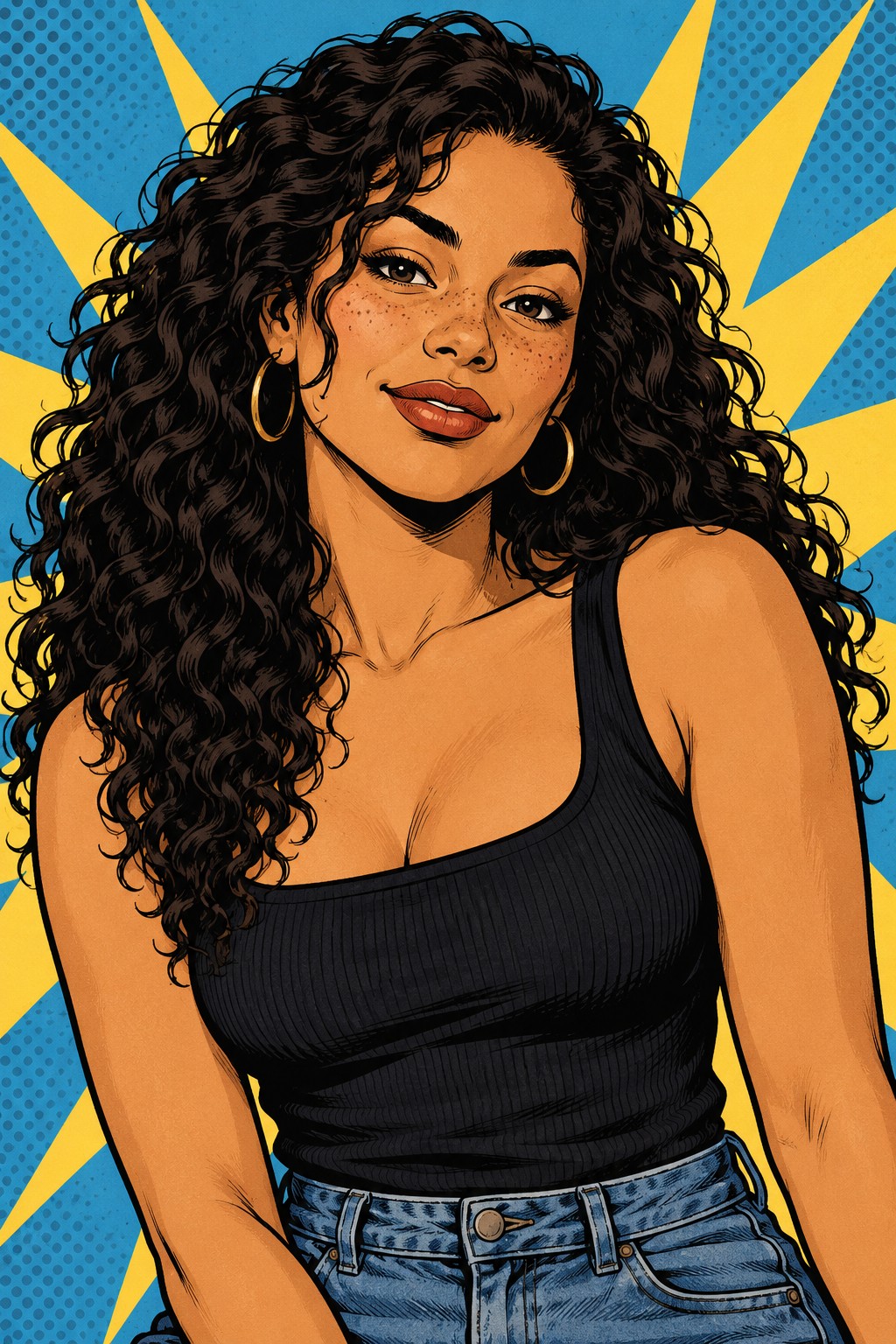
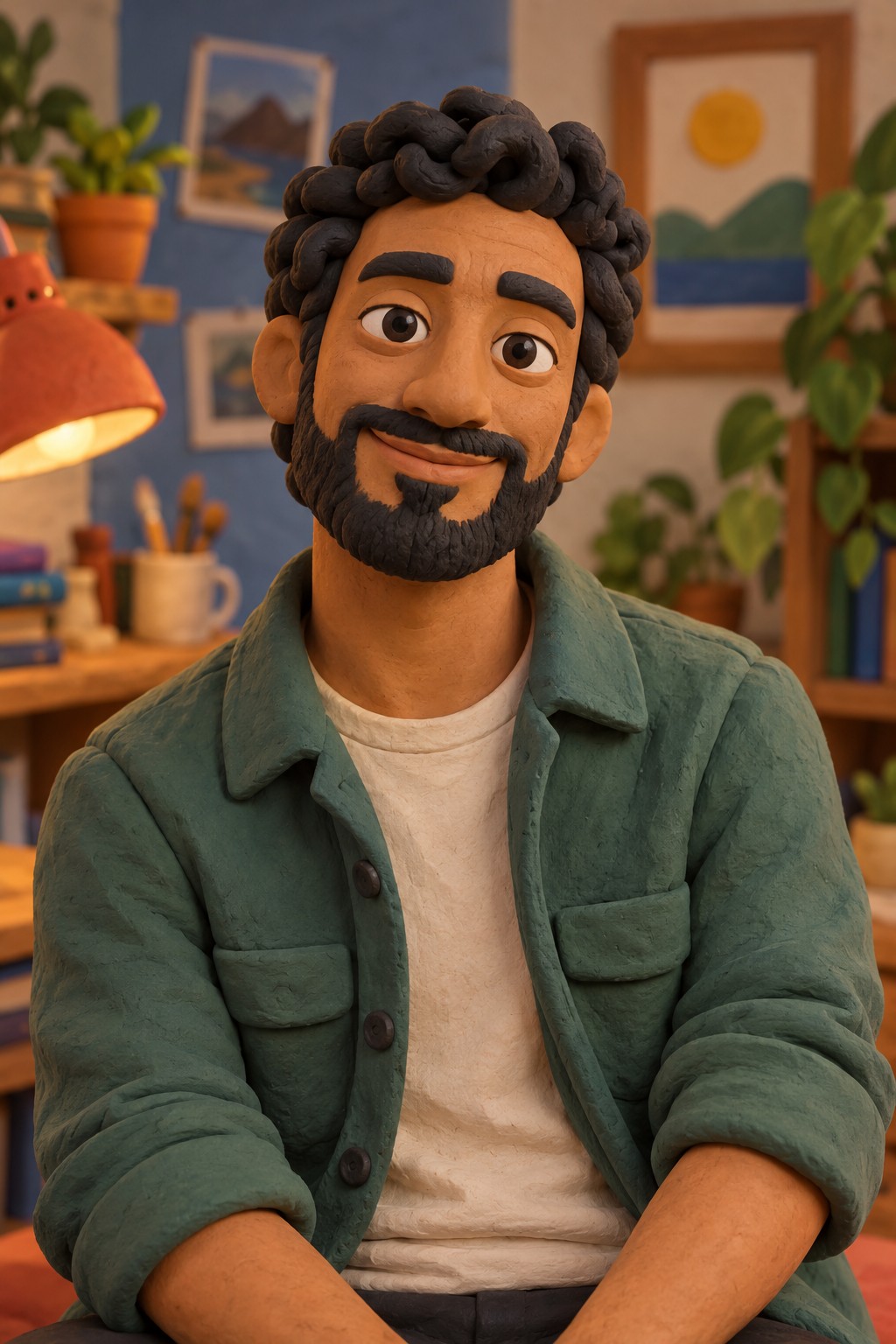
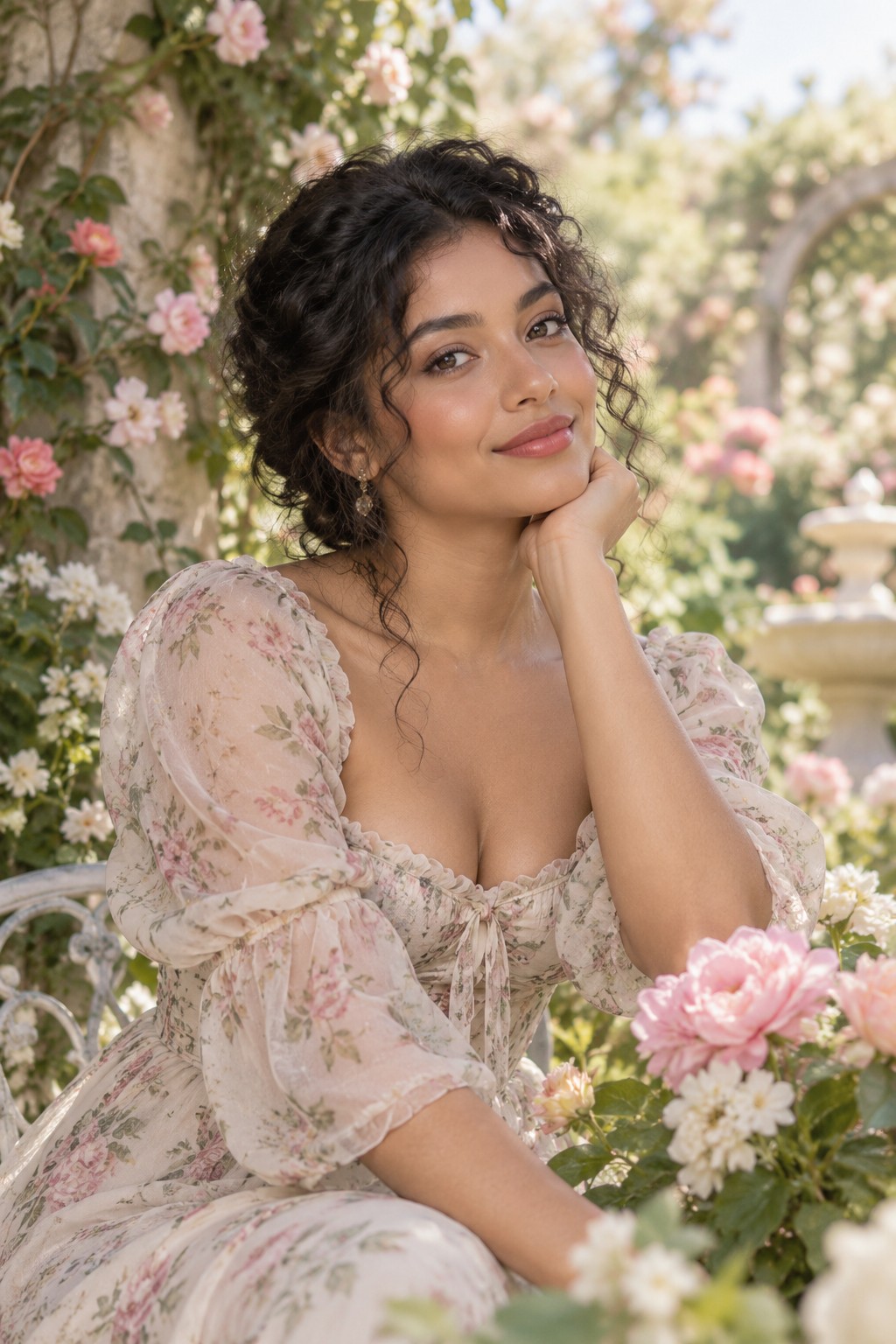
Built-in development artwork, not AI output from a guest photo. The published installer may have a different library.
FREE CAPTURE AND PRINTS · PREMIUM SHARING
Capture and save a classic photo locally with Free Forever. Free includes up to 100 print copies per UTC day. Premium adds designed layouts, filters and guest sharing when configured.
Best for: Layouts, filters, prints, downloads.
See capture features →PREMIUM · MOTION EXPERIENCE
Capture a short frame sequence and export an animated result. Confirm the camera frame rate, lighting and guest delivery path during setup.
Best for: Animated keepsakes, event energy.
See capture features →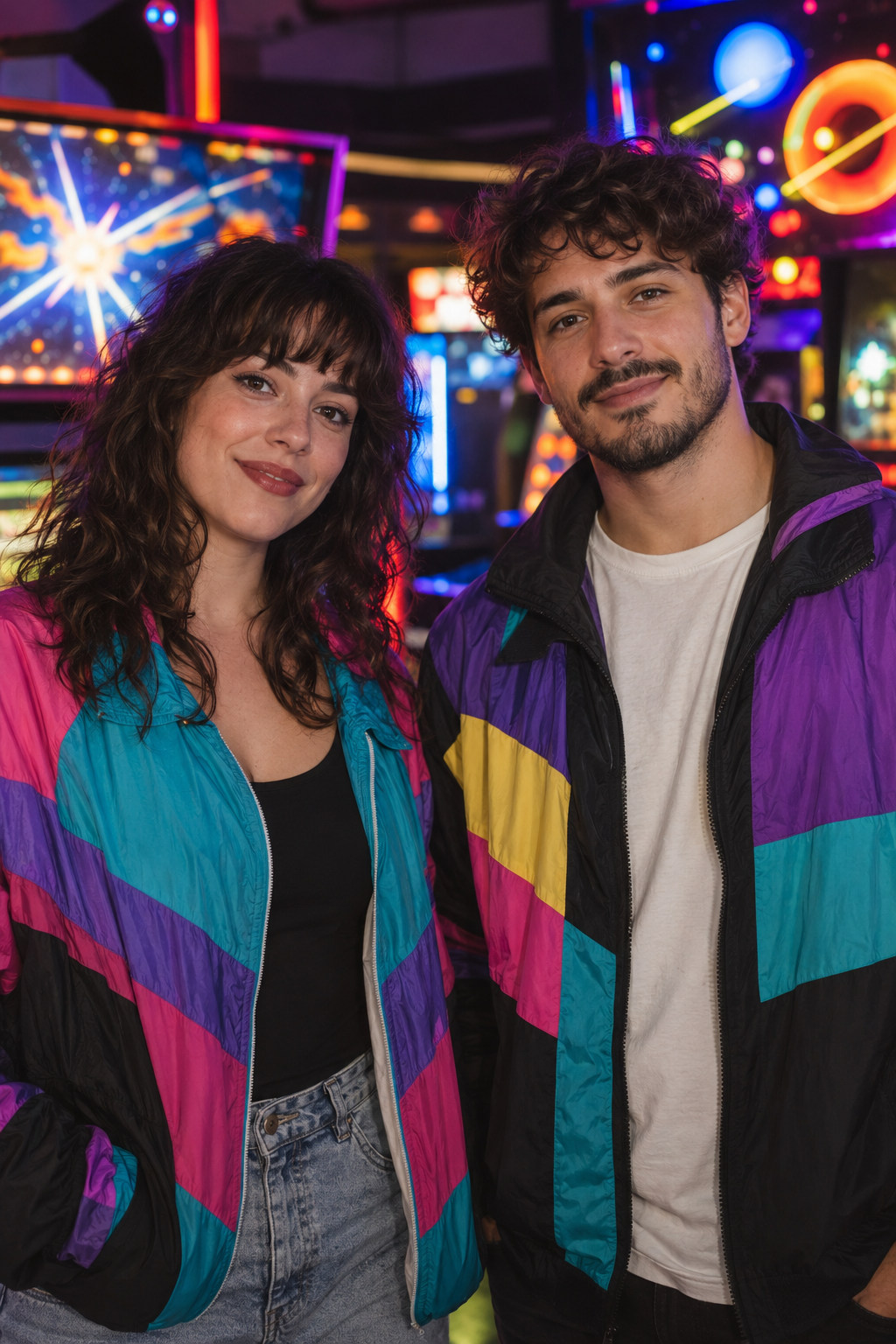
PREMIUM · MODEL-DEPENDENT
Start from the guest’s original camera photo, choose a style, review the generated portrait and try another look without retaking the photo.
Best for: Themed looks, premium creative packages.
See capture features →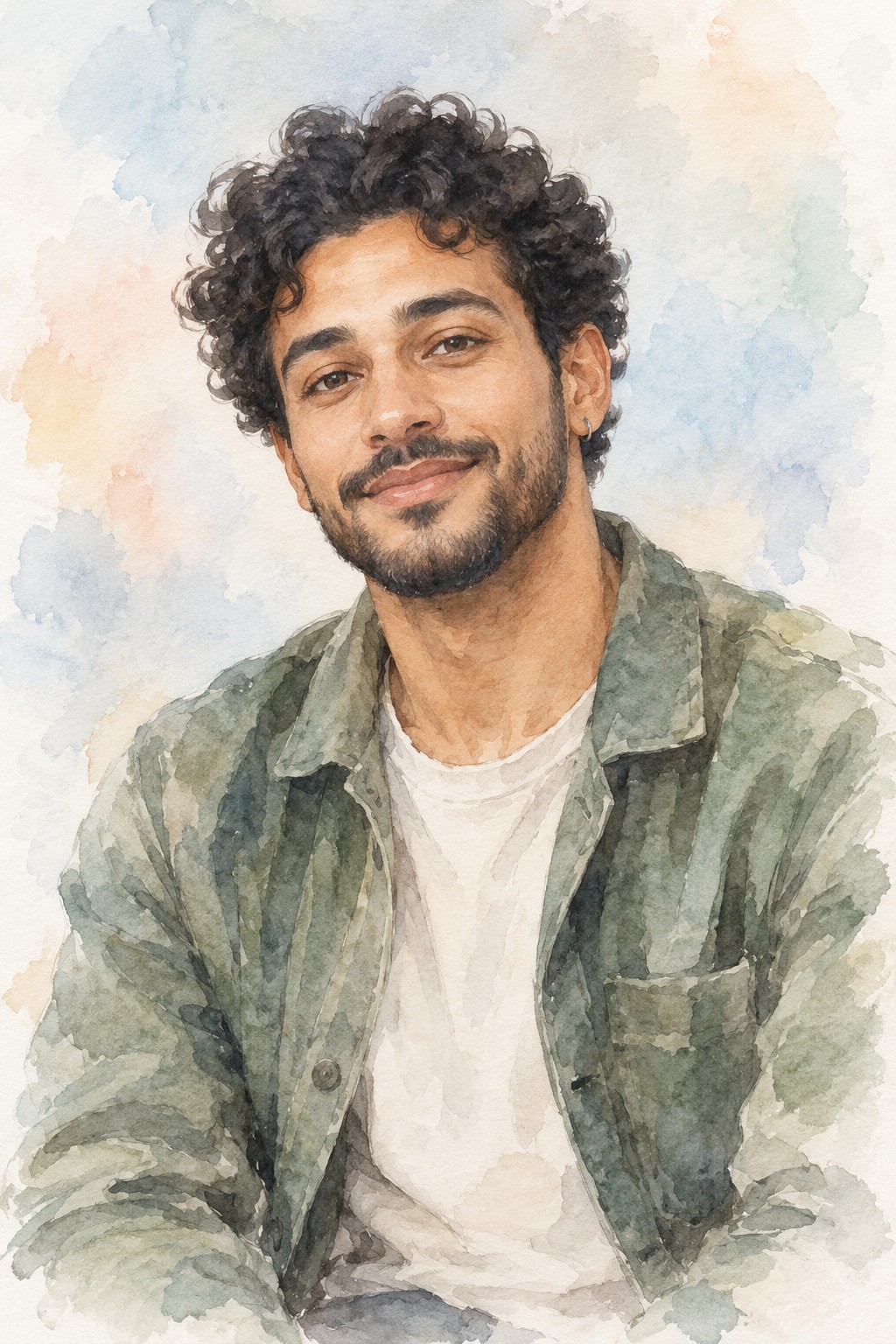
PREMIUM · MODEL-DEPENDENT
Turn the original capture into a dramatic styled portrait, then review the result before printing or sharing. The original remains available for another look.
Best for: Creative portraits, themed campaigns.
See capture features →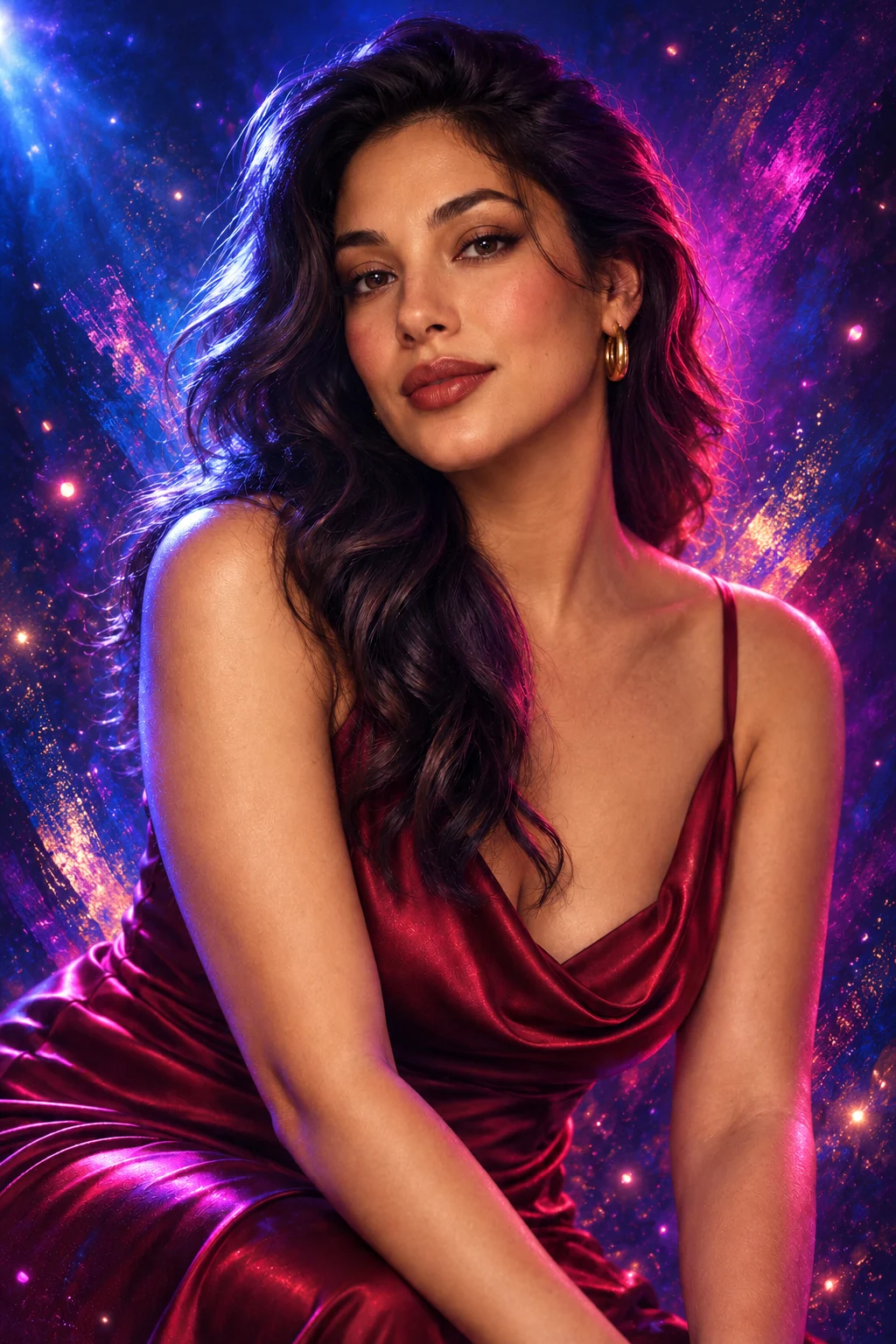
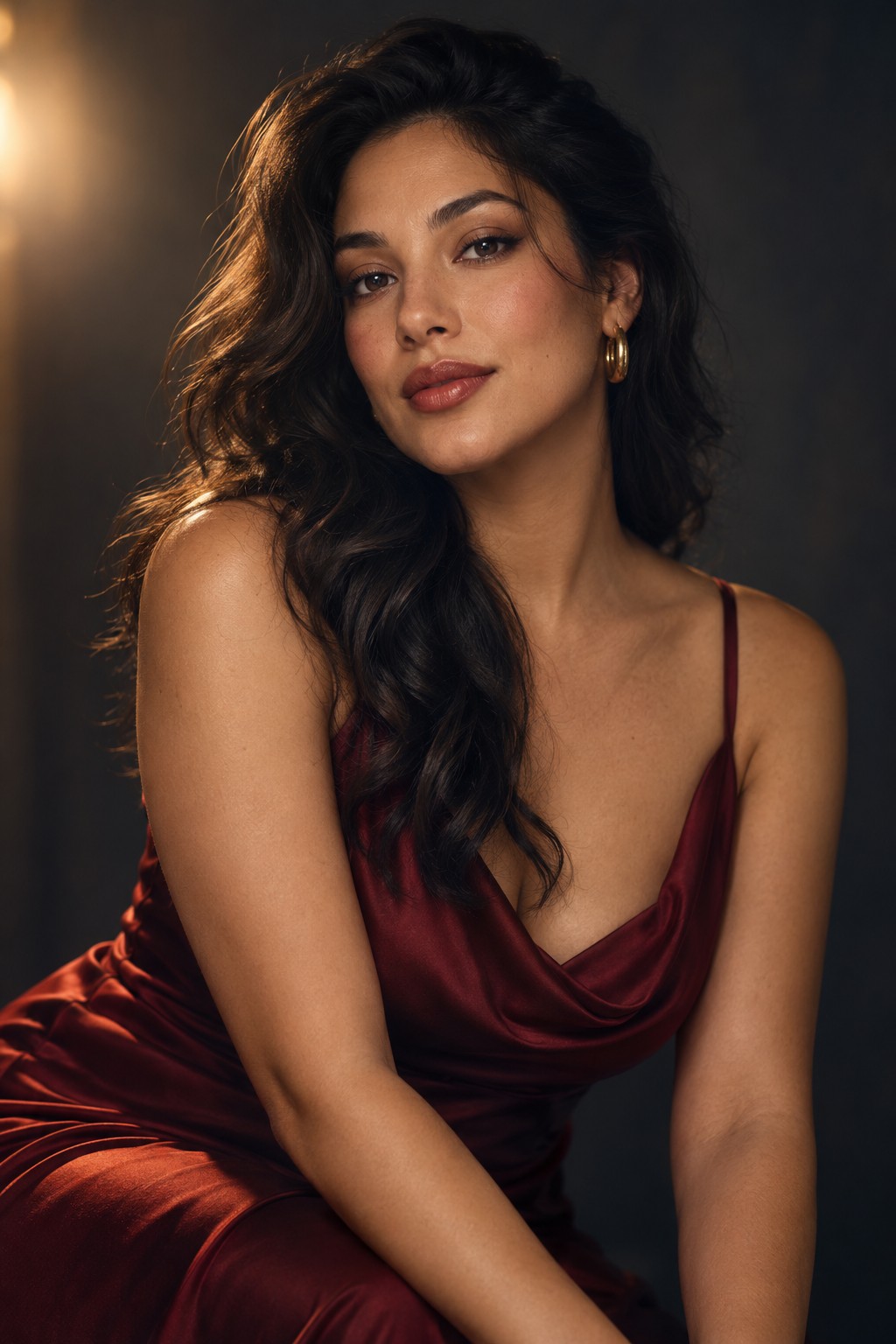 OriginalAI Effects
PREMIUM · MODEL-DEPENDENT
Place guest faces into approved scene artwork. Prepare consent, scene rights and model files before offering this at a paid event.
Best for: Custom scenes, branded activations.
See capture features →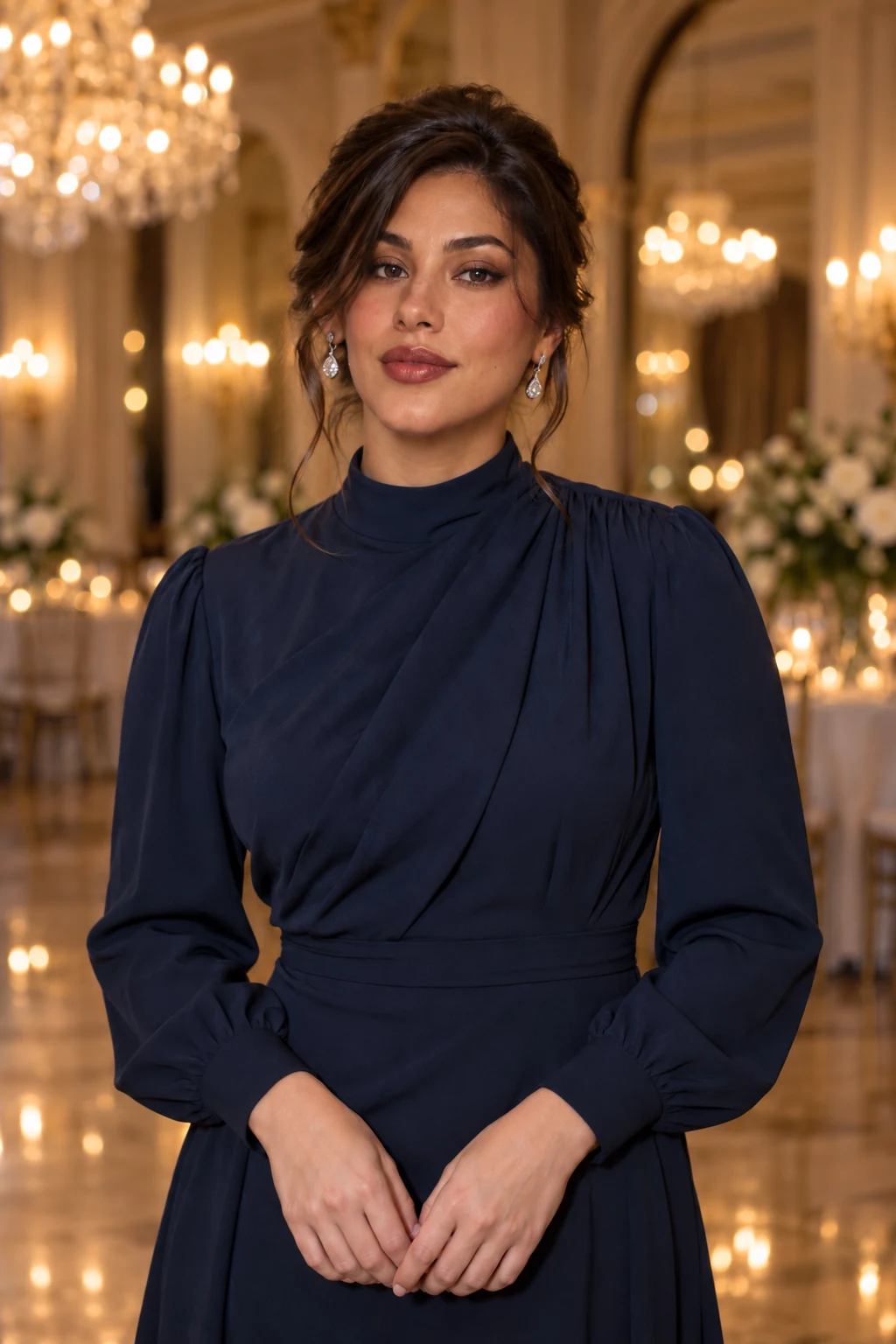
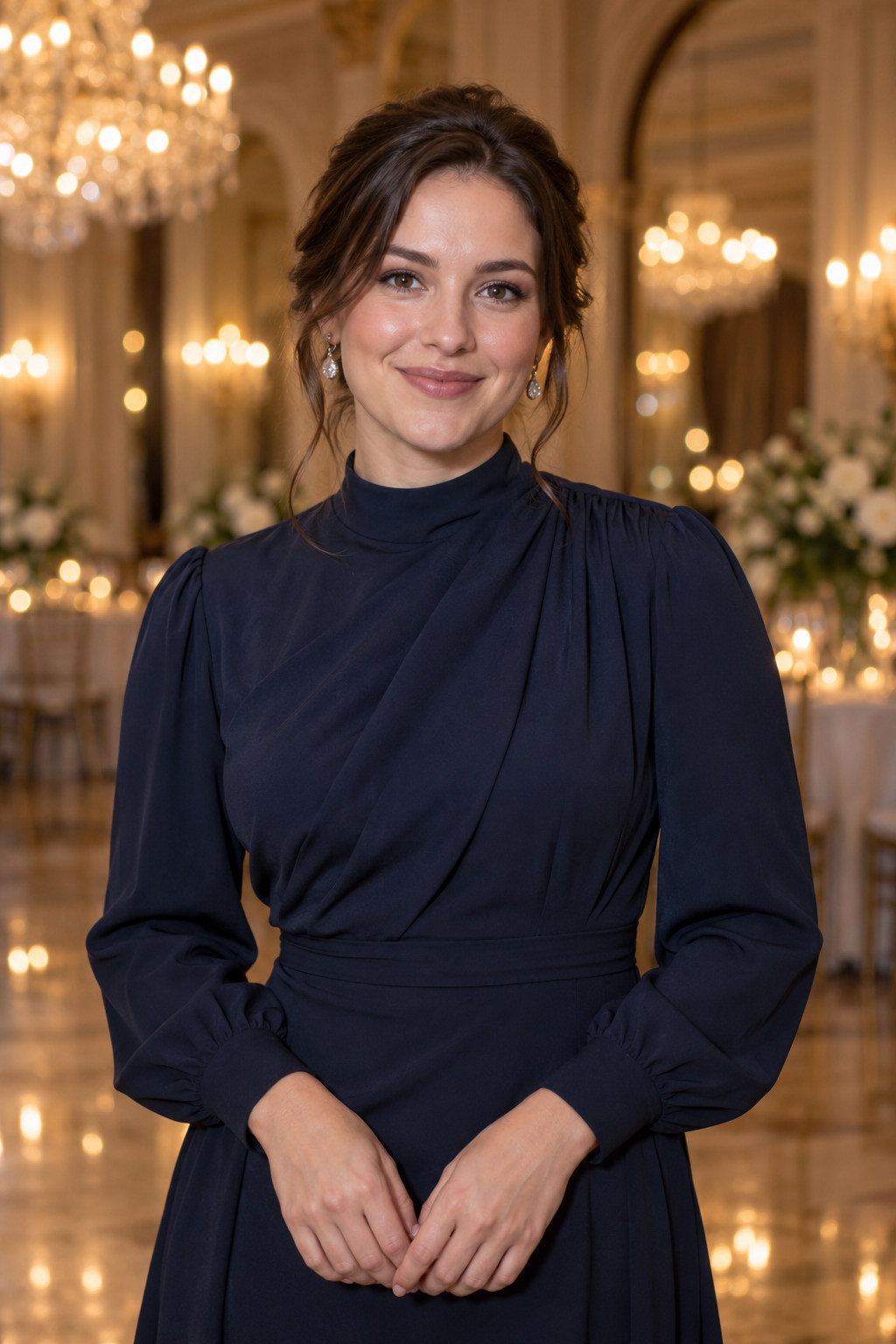 OriginalFace Swap
MORE CAPTURE OPTIONS
These Premium motion options need the appropriate camera, lighting and output checks.
Create looping motion content with the configured capture path. A rotating 360 rig is separate hardware and must be tested as a complete system.
Set up video output and delivery for events that call for more than a still image. Verify storage, frame rate and sharing before booking.
The photographs on this page illustrate possible event styles. They are not proof of a specific camera setup or a guaranteed AI result. AI features need local models and commercial-use checks.