
CAMERA COMPATIBILITY

Find your camera.

Browse by brand and choose the matching connection in Neo Booth. Model names below come from vendor SDK or webcam support lists; your exact camera setup still needs a test.

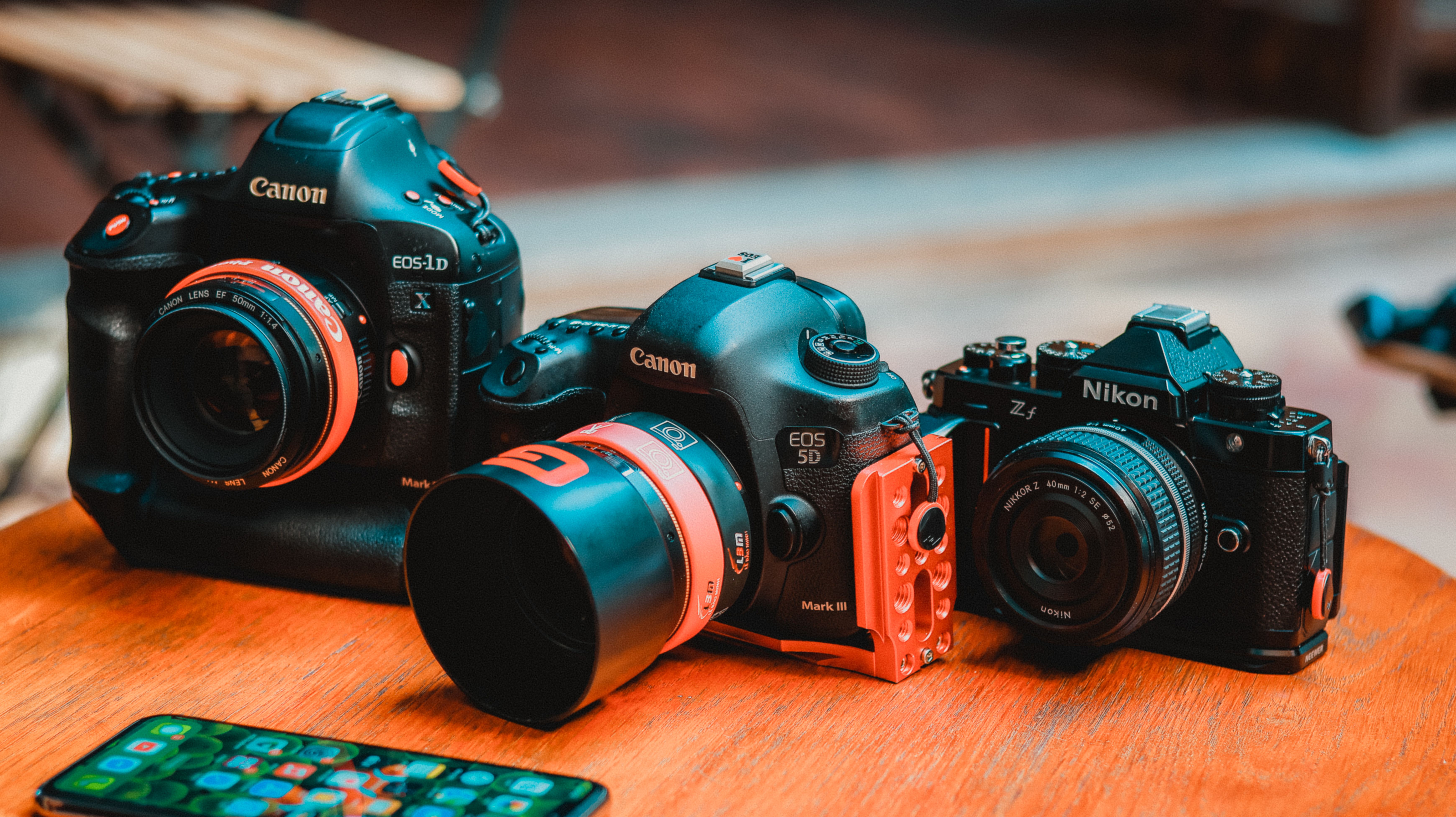
Canon and Nikon cameras arranged on a wooden table
Illustrative camera lineup

CAMERAS BY BRAND

Pick your capture path.

USB still capture: Canon, Nikon Z and Sony. Video feed: GoPro Webcam, standard webcams and HDMI capture cards.

C

Canon

USB · EDSDK 13.20 · live view and full-resolution JPEG capture

EOS R series

EOS R · EOS Ra · EOS RP · EOS R1 · EOS R3 · EOS R5 · EOS R5 Mark II · EOS R6 · EOS R6 Mark II · EOS R6 Mark III · EOS R6 V · EOS R7 · EOS R8 · EOS R10 · EOS R50 · EOS R50 V · EOS R100

EOS M & PowerShot

EOS M50 · EOS M50 Mark II · EOS M200 · EOS M6 Mark II · PowerShot V10 · PowerShot ZOOM · PowerShot G5 X Mark II · PowerShot G7 X Mark III · PowerShot SX70 HS

Show older EOS DSLR models

EOS DSLR

EOS-1D X · EOS-1D X Mark II · EOS-1D X Mark III · EOS-1D C · EOS-1D Mark III · EOS-1D Mark IV · EOS-1Ds Mark III · EOS 5D Mark II · EOS 5D Mark III · EOS 5D Mark IV · EOS 5DS · EOS 5DS R · EOS 6D · EOS 6D Mark II · EOS 7D · EOS 7D Mark II · EOS 40D · EOS 50D · EOS 60D · EOS 70D · EOS 77D · EOS 80D · EOS 90D · EOS Rebel XS · EOS Rebel XSi · EOS Rebel T1i · EOS Rebel T2i · EOS Rebel T3 · EOS Rebel T3i · EOS Rebel T4i · EOS Rebel T5 · EOS Rebel T5i · EOS Rebel T6 · EOS Rebel T6i · EOS Rebel T6s · EOS Rebel T7 · EOS Rebel T7i · EOS Rebel T8i · EOS Rebel T100 · EOS Rebel SL1 · EOS Rebel SL2 · EOS Rebel SL3

Close EOS Utility before connecting. Some EOS M models lack remote capture and are omitted. Canon model source ↗

N

Nikon

Z-series USB · beta · Nikon Remote Module SDK 2.0

Z-series models

Z9 · Z8 · Z6III · Z7II · Z6II · Z7 · Z6 · Z5II · Z5 · Zf · Z50II · Z50 · Z30 · Zfc · ZR

Requires Windows 11 x64 and the Nikon SDK folder. Physical capture qualification is still pending. Nikon model source ↗

S

Sony

USB · Camera Remote SDK 2.02 · PC Remote mode

Alpha models

ILCE-1M2 · ILCE-1 · ILCE-9M3 · ILCE-9M2 · ILCE-7RM6 · ILCE-7RM5 · ILCE-7RM4A · ILCE-7RM4 · ILCE-7CR · ILCE-7SM3 · ILCE-7M5 · ILCE-7M4 · ILCE-7CM2 · ILCE-7C · ILCE-6700

Show other Sony SDK devices

ZV, RX, Cinema & remote cameras

ILX-LR1 · BURANO (MPC-2610) · ILME-FX6V / FX6T · ILME-FX3A · ILME-FX3 · ILME-FX2 · ILME-FX30 · PXW-Z300 · PXW-Z380 · PXW-Z200 · HXR-NX800 · BRC-AM7 · ILME-FR7 · ZV-E1 · ZV-E10M2 · DSC-RX1RM3 · DSC-RX0M2

Sony’s SDK lists these devices, but Neo Booth’s USB still-photo workflow has not been qualified on each one. The α7 III is not supported by this SDK path. Sony model source ↗

G

GoPro

GoPro Webcam for Windows · USB-C video feed

HERO Black models

HERO8 Black · HERO9 Black · HERO10 Black · HERO11 Black · HERO12 Black · HERO13 Black

Install GoPro Webcam first. Neo Booth captures the live video frame, not the camera’s full-resolution still or high-frame-rate source file. GoPro Webcam setup ↗

◉

Webcams & HDMI capture

Standard Windows video input · brand-independent

Any webcam, virtual camera or HDMI capture device that appears as a working Windows camera can use Neo Booth’s video input. Image size follows the video stream; Neo Booth does not remotely trigger a still-camera shutter through a capture card.

Before an eventConnect and check live viewCapture and inspect the saved photoRehearse reconnect, flash and printing

Vendor SDK listing is not a guarantee of Neo Booth compatibility. Camera firmware, SDK availability, USB mode and hardware can affect results. Need help checking a model? Ask Neo Booth support →

Expanded Neo Booth desktop interface screenshot